HeadshotPro Pricing Alternative (2026): PhotoGuru AI vs HeadshotPro + Which Is Best for Your Headshots
Looking for a HeadshotPro pricing alternative in 2026? Compare PhotoGuru AI vs HeadshotPro with a side-by-side table, a “usable headshot” cost framework, realism checks, selfie tips, and FAQs.
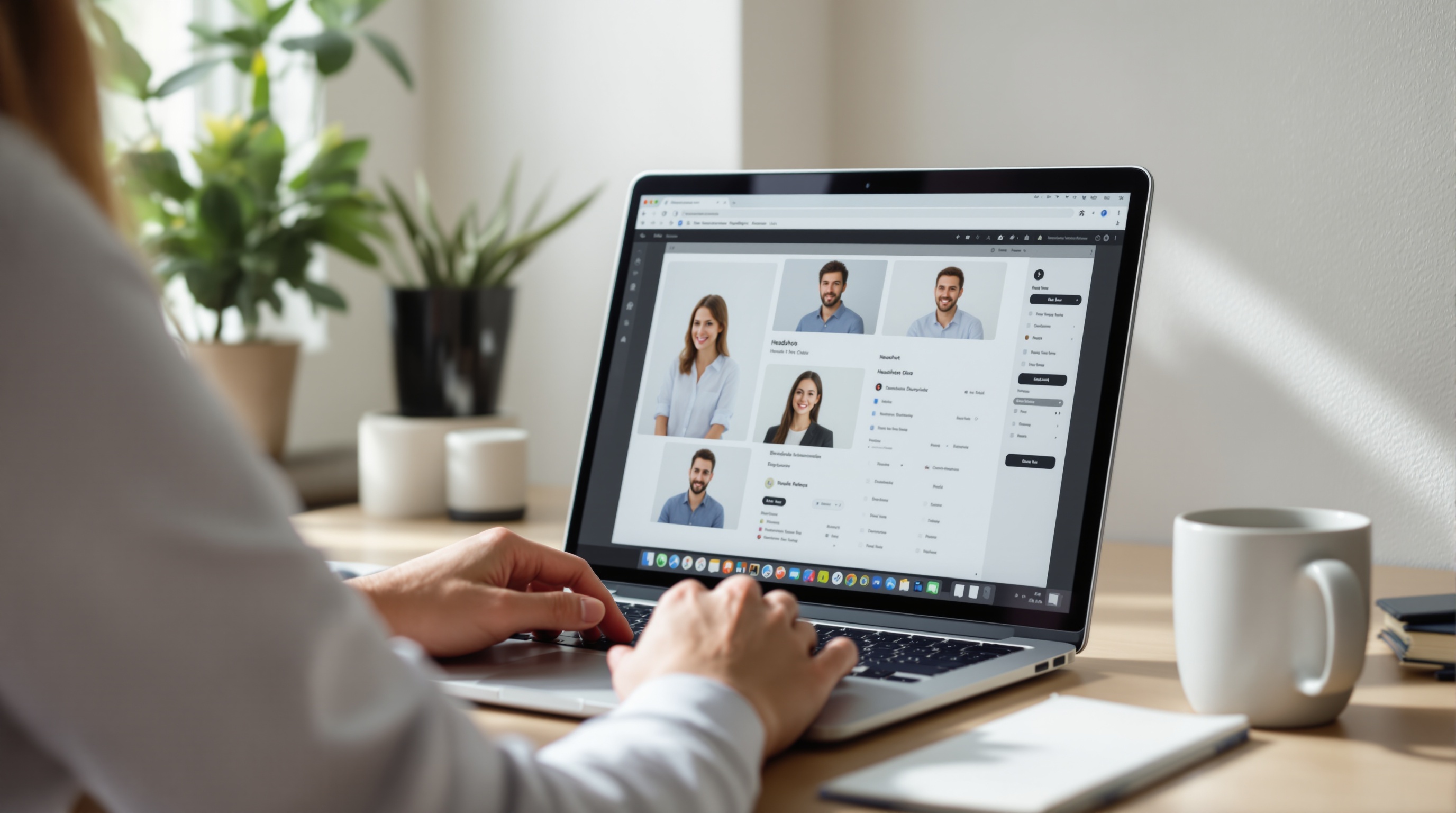
If you’re searching for a HeadshotPro pricing alternative, choose the tool that’s most likely to produce a genuinely professional, “looks like you” headshot with minimal re-dos. PhotoGuru AI is a strong alternative when you want fast, affordable LinkedIn-ready headshots from selfies with flexible styles. HeadshotPro can be a fit if you prefer its package structure and what it states on its site around guarantees and privacy timelines. Use the decision framework and table below to pick the best option in about 2 minutes—based on total cost of a usable headshot, not just a checkout price. (Last reviewed: June 2026.)
A 2-minute decision: which one should you pick?
Here’s the most practical way to choose a HeadshotPro alternative: decide what “success” is for you, then pick the product that most reliably gets you there in one purchase. For most buyers, success is 1–3 headshots they’ll confidently use on LinkedIn, a company bio page, a speaker profile, and a press kit—without paying twice or endlessly re-running generations.
- Pick PhotoGuru AI if you want an affordable workflow, quick iteration on style, and a straightforward “upload selfies → choose styles → download” experience—especially for LinkedIn and personal sites. You can view PhotoGuru AI headshot examples to sanity-check the aesthetic before buying.
- Pick HeadshotPro if you specifically want its package structure and what it states on its site about guarantees and privacy/deletion timelines, or you already know you like its output look.
- If you’re undecided, start with the tool that gives you the best odds of a usable headshot in your target style (corporate, founder, creative, or team directory). Style-fit and realism usually decide it—not tiny feature differences.
Price is only expensive when it doesn’t produce a photo you’ll actually use.PhotoGuru AI editorial principle for headshot buyers
What people mean by “HeadshotPro pricing alternative” (and why it matters)
When someone searches “HeadshotPro pricing alternative,” they’re rarely asking only for the lowest checkout price. Most are trying to reduce risk: the risk of paying and getting images that look artificial, don’t resemble them, or don’t match their industry. In other words, they’re searching for a better value outcome—the fastest path to a headshot they’re proud to use.
Common reasons buyers switch (beyond price)
- They need style control: a conservative corporate look for LinkedIn plus a more relaxed founder look for a website or newsletter.
- They care about resemblance: a headshot that’s flattering but still recognizably them (hairline, glasses, face shape, smile).
- They want faster iteration: not just turnaround, but the ability to try different styles without “starting over.”
- They’re thinking about privacy: how long photos are stored, who can access them, and whether deletion is automatic.
- They need a clear refund/ownership story: what happens if results are unusable, and whether they can use images commercially.
PhotoGuru AI vs HeadshotPro: side-by-side comparison (buying criteria that matter)
A good comparison table for a pricing alternative should answer one question: How likely are you to get a LinkedIn-ready headshot you’ll keep—without paying twice? The table below is designed for that. Where details vary by plan or can change over time, treat them as “verify before you buy” checks rather than promises.
| Criteria | PhotoGuru AI | HeadshotPro |
|---|---|---|
| Pricing approach (how you’re charged) | Designed to be quick and affordable; verify current plans on PhotoGuru AI pricing | Package-based pricing for individuals and teams; verify current tiers on the official pricing page |
| Outputs (how many photos/looks you receive) | Varies by plan and generation settings; review plan inclusions before checkout | Varies by package/tier; review the current package details before purchase |
| Inputs required | Selfie-based headshot generation (upload a set of selfies) | Selfie-based headshot generation (upload a set of selfies) |
| Speed (turnaround expectations) | Typically positioned as fast; actual timing can depend on demand—confirm the current estimate in-product/at checkout | Typically positioned as fast; confirm the current delivery estimate at checkout |
| Style control (outfits/backgrounds/look) | Multiple professional styles available; strong fit if you want LinkedIn + website variants | Multiple styles/packages; strong fit if you prefer its curated looks |
| Licensing / usage rights | Verify current usage rights in PhotoGuru AI terms before commercial use | HeadshotPro states you own your AI headshots; confirm current terms for your plan |
| Privacy / data retention | Verify photo storage and deletion timelines in the PhotoGuru AI privacy policy | HeadshotPro states a deletion timeline on its site; verify the current policy language before uploading photos |
| Refunds / satisfaction handling | Verify refund policy in PhotoGuru AI terms; reduce misfires by using conservative styles first + the realism checklist | HeadshotPro advertises a money-back guarantee; confirm eligibility, timelines, and process at purchase |
| Best for | Job seekers, founders, creators who want flexible styles and a straightforward workflow | Buyers who specifically want HeadshotPro’s packaging and stated guarantee/privacy positioning, or teams aligned with its workflow |
HeadshotPro pricing: what you actually pay for (and what changes the cost)
For “pricing alternative” searches, the frustration is usually that pricing pages show a number, but don’t explain the real cost driver: how many usable photos you get. HeadshotPro generally presents pricing as packages (often with individual vs corporate options). The exact amounts can change over time, so use the official pages as your source of truth: HeadshotPro pricing.
Cost drivers that can change your “all-in” spend
- Package tier: higher tiers may include more outputs, more styles/looks, or other deliverables—confirm what’s included in the tier you’re considering.
- Team vs individual needs: teams often care about consistency (same background, similar lighting), which can affect which plan/features you need.
- Number of “keepers” required: if you need one good LinkedIn photo, you can tolerate fewer outputs; if you need multiple platform crops and brand looks, you may need more variety.
- Redo likelihood: the biggest hidden cost is having to repurchase because your inputs weren’t ideal or the style didn’t match your industry.
A practical way to estimate “total cost of a usable headshot”
Before buying any tool (HeadshotPro, PhotoGuru AI, or another alternative), do this quick math with realistic assumptions. Your goal is to pay once and end up with a photo you’ll use for 6–18 months.
- Define your use cases: LinkedIn profile photo, company bio, speaker page, email signature, press kit.
- Define your “keeper bar”: natural skin texture, accurate hairline, realistic glasses edges, professional wardrobe, background that matches your industry.
- Estimate the redo risk: do you already have good selfies that match your current look? (If not, assume you’ll redo at least once unless the tool makes input guidance very clear.)
- Pick the tool that minimizes redo risk for your style: the one that makes it easiest to generate conservative, realistic results first.
PhotoGuru AI overview: what it is and how the workflow typically looks
PhotoGuru AI is a professional AI photo generator focused on turning uploaded selfies into professional-quality headshots for places like LinkedIn, business websites, and other profile-driven platforms. It’s built for people who want a headshot outcome without booking a photographer—while still keeping the result professional and realistic enough for everyday business use. If you’re price-comparing, start by checking PhotoGuru AI pricing and deciding what one “successful purchase” looks like for you (usually 1–3 keepers).
The “no drama” workflow (aim for first-try keepers)
- Upload selfies that resemble your current look (hair, facial hair, glasses).
- Choose professional styles that match your industry (start conservative; add variety second).
- Review with a realism checklist (skin texture, hairline, glasses edges, teeth, background blur).
- Download and crop for platforms (LinkedIn square, website portrait/landscape, speaker bio).
When PhotoGuru AI is the better HeadshotPro alternative (use-case based)
PhotoGuru AI tends to be the better fit when your goal is to move quickly from “I need a headshot” to “I have a LinkedIn-ready photo I’ll actually use,” with enough flexibility to match the expectations of different professional contexts (job search vs founder vs creator). If you want a quick reality check on output style before you commit, browse PhotoGuru AI headshot examples and compare them to the look you want on LinkedIn or your website.
You want flexible styles (without overthinking a package grid)
A frequent reason people look for “HeadshotPro alternatives 2026” is that they don’t want a rigid package decision before they even know what style works. If you’re torn between, say, a conservative corporate background and a brighter founder-style look, you’ll value a workflow that makes it easy to try both—then choose the winner using a consistent checklist.
You’re optimizing for “usable headshots per dollar” (not maximum number of images)
Many buyers end up disappointed because they evaluate success as “how many images did I receive,” not “how many images would I confidently use.” If you’re budget-conscious, the right question is: How many LinkedIn-ready keepers will I get without paying twice? PhotoGuru AI is built for people who want professional results without the time and cost of traditional shoots, making it a strong option when you’re trying to keep cost low while still hitting a professional bar.
You need platform-specific output (LinkedIn first, then everything else)
If your primary goal is a strong LinkedIn profile photo, your best “pricing alternative” is the one that helps you produce a clean, well-cropped, natural image. After that, you can repurpose the same winner for a company bio, email signature, and speaker page with minor crops. For platform-specific guidance while you review your results, keep this open: PhotoGuru AI: Your Guide to LinkedIn Profile Pictures That Get Noticed.
When HeadshotPro is the better fit (and you should choose it instead)
A pricing alternative shouldn’t be a default choice. There are cases where HeadshotPro may be the better option for you—especially if what it states on its site aligns with your risk tolerance and workflow needs.
- You’re buying based on stated guarantees: HeadshotPro advertises a money-back guarantee; if that’s your top concern, verify the current terms and choose accordingly.
- You’re aligned with its stated privacy posture: HeadshotPro states a deletion timeline (as stated on its site). If retention timelines are critical, compare policies line-by-line before uploading any photos anywhere.
- You already know you like HeadshotPro’s output look: if you’ve seen results from peers that match your target style, the “fit certainty” can outweigh small pricing differences.
- You need a team-oriented path: if your company is standardizing headshots and HeadshotPro’s corporate workflow matches your procurement and onboarding process, convenience can be worth more than a marginal cost gap.
Quality & realism checklist: how to avoid “AI-looking” headshots
If you only take one thing from this comparison, make it this: a professional headshot is judged by small realism cues. Use the checklist below to decide whether a generated image will pass on LinkedIn, in recruiter screens, and on a company “About” page.
Face & skin (the “uncanny valley” zone)
- Skin should have some texture. Over-smoothing reads as synthetic makeup or plastic skin.
- Teeth should look natural (watch for overly uniform color or odd spacing).
- Eyes should be consistent: avoid mismatched catchlights (one bright dot, one dull) or unusual iris patterns.
- Smile should match your real expression style; if it looks like a “stock photo grin,” it may not feel like you.
Hair, glasses, and edges (where generators often slip)
- Hairline should be believable (no “painted” wisps or strange symmetry).
- Glasses should sit naturally on the nose and ears; check the frame edges near temples.
- Ears should look normal (avoid melted/blurred edges).
- Collar and lapels should be clean—watch for weird folds that don’t follow fabric logic.
Background & lighting (professional doesn’t mean dramatic)
- Aim for lighting that looks like a real window or studio softbox—avoid harsh, cinematic shadows for LinkedIn.
- Background blur should look lens-like (subtle falloff), not like a smeared gradient.
- Match industry expectations: conservative industries often prefer neutral backgrounds and understated wardrobe.
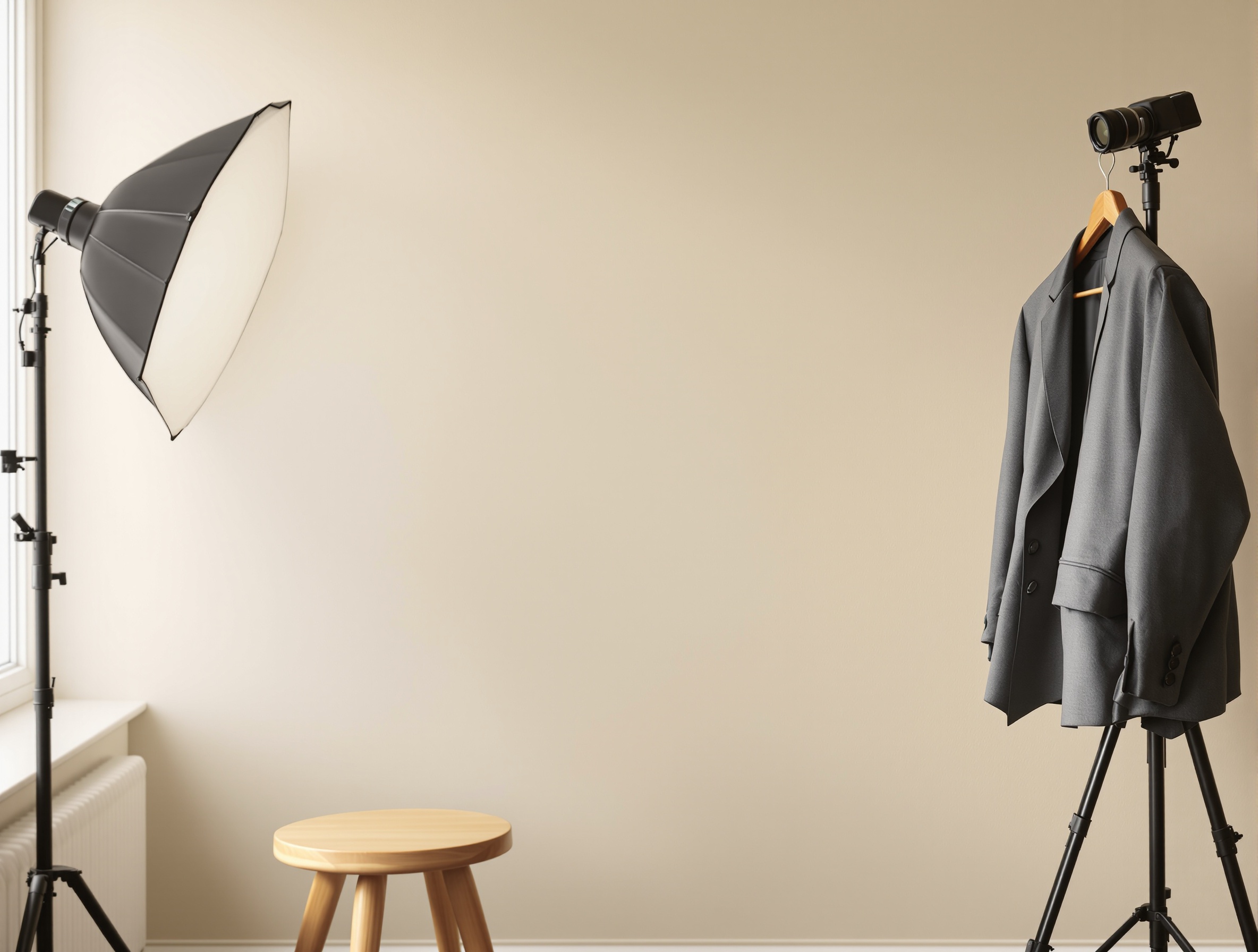
Selfie upload best practices (to maximize resemblance)
Most “AI headshot generator cheaper than HeadshotPro” searches come from people who don’t want to waste money. The easiest way to avoid wasted spend is to upload better inputs. Think of your selfie set as a mini dataset: it should represent you accurately, under clean lighting, with consistent identity cues (hair, glasses, facial hair, typical expression).
The “5 selfie set” that usually works best
- One straight-on, eye-level photo in soft window light (no overhead bathroom lighting).
- One slight left angle (turn your shoulders a bit, keep eyes on camera).
- One slight right angle (same setup).
- One mid-distance shot (upper torso visible) so the model learns proportions with clothing.
- One neutral-expression photo (not smiling) to help the generator avoid “forced smile” artifacts.
What to avoid (these increase “AI-looking” failures)
- Heavy beauty filters or “portrait mode” artifacts (they confuse edges and texture).
- Extreme angles (camera far above or below eye level).
- Very dark indoor lighting or colored LEDs (causes strange skin tones).
- Huge variation in haircut/facial hair across selfies (creates a blended, inaccurate identity).
- Low-resolution screenshots from social apps (compression introduces fake texture).
Use-case recommendations: who should choose which tool?
Below are scenario-based recommendations that match how people actually buy a “HeadshotPro alternative pricing” option: they have a role, a deadline, and a platform they care about. Use these to pick the tool and (more importantly) the style strategy that reduces re-dos.
Job seekers & career switchers (LinkedIn + applications)
Your bar is “credible and approachable.” You don’t need 100 photos—you need 1–2 that look like a professional camera took them last year. Start with a conservative style: neutral background, simple wardrobe, soft light, gentle smile. PhotoGuru AI is often the better starting point if you want to generate quickly and iterate on style-fit without overbuying.
- Choose one look that matches your target employers (finance differs from design).
- Avoid overly dramatic lighting and ultra-shallow blur that can look synthetic at small LinkedIn sizes.
- Pick the winner by thumbnail test: if it looks real at small size, it usually works at full size.
Founders & entrepreneurs (website + PR + investors)
You often need two versions: a polished “press” headshot and a more relaxed “approachable founder” image. The best tool is the one that lets you create variety while staying recognizably you. PhotoGuru AI is a strong option when you want style flexibility (without drifting into unrealistic “model” territory). HeadshotPro can be a fit if you already know its look aligns with your brand and you value its stated policies.
Creators & personal brands (newsletter, socials, speaker bio)
Creators usually need more than one crop: a square for profiles, a horizontal for banners, and a clean portrait for speaker pages. Your biggest risk is choosing a style that reads “AI portrait” instead of “professional photo.” Start with a realistic background and wardrobe that matches your content niche. Use the industry style guide to pick a look that’s creative but still credible: Choosing the Right Headshot Style for Your Industry (With an AI Style Picker + Examples).
Remote teams & company pages (consistency is the product)
Teams should evaluate generators differently than individuals. Your success metric is consistency: similar crop, similar lighting, and a coherent “company look.” If you’re comparing vendors (including HeadshotPro), ask questions that directly affect re-dos and admin time.
- Can we standardize background and wardrobe across departments?
- What is the process for re-dos if someone’s resemblance is off?
- Do we get predictable crops (head-and-shoulders) suitable for directory layouts?
- What are the stated data retention/deletion rules, and can we confirm them contractually if needed?
- What usage rights apply to company marketing pages and press releases?
Platform-ready exports: LinkedIn crop, website bio, and speaker headshot
Once you have a batch of results, your last step is choosing the winner and exporting it correctly. This is where many “best HeadshotPro alternative for LinkedIn headshots” pages are vague—so here’s a concrete selection process you can use with PhotoGuru AI or HeadshotPro outputs.
How to choose the best headshot from a batch (a repeatable method)
- Run the thumbnail test: zoom out until the face is small. Does it still look like a real photo?
- Check the identity anchors: hairline, eyebrows, glasses (if any), and smile shape. If any anchor is off, discard.
- Check the professional read: would this photo look normal on a company directory page?
- Pick one “primary” headshot for LinkedIn and one “secondary” for website/speaker use (often slightly different crop and expression).
- Save one extra option as a backup for seasonal changes (e.g., different wardrobe tone).
LinkedIn-specific finishing tips
For LinkedIn, a “good” headshot is one that reads clearly at small sizes, with a face-forward crop and calm background. If you want a step-by-step for profile impact (not just aesthetics), use: PhotoGuru AI: Your Guide to LinkedIn Profile Pictures That Get Noticed.
- Crop to head-and-shoulders; don’t let hands or busy clothing dominate the frame.
- Prefer neutral or lightly textured backgrounds that don’t compete with your face.
- Avoid extreme retouching: if your skin looks airbrushed, it can reduce trust.
- Match your current look: if you changed hair/glasses recently, regenerate with updated selfies.
FAQ: HeadshotPro pricing alternatives (PAA-style answers)
What is the best HeadshotPro pricing alternative in 2026?
The best HeadshotPro pricing alternative in 2026 is the one most likely to produce a LinkedIn-ready headshot you’ll actually use on the first try. PhotoGuru AI is a strong alternative if you want a quick, affordable workflow (upload selfies → choose styles → download) with flexible styles that match your role. HeadshotPro can still be a fit if you prefer its specific package structure and what it states on its site about guarantees and privacy timelines—use the comparison table and the “usable headshot” checklist to decide.
How much does HeadshotPro cost?
HeadshotPro pricing is typically presented as packages (often with different tiers and options for individuals vs teams). The exact amount can change based on tier, outputs/looks included, and any team workflow options. For the most accurate number, check the current HeadshotPro pricing page, then compare it using the “total cost of a usable headshot” idea: the real cost is what you pay to end up with 1–3 keepers you’re confident using (not just the initial checkout price).
Is HeadshotPro worth paying for LinkedIn or job searching?
It can be worth it if it reliably produces a natural-looking photo that still resembles you and fits your target industry (background, wardrobe, crop). For job search use, value is less about the sticker price and more about whether you get 1–2 headshots you’ll confidently use across LinkedIn, your resume PDF, and applications—without needing a second purchase. If you’re price-sensitive or want more flexibility to explore styles, PhotoGuru AI is often the better starting point; if you’re prioritizing HeadshotPro’s stated guarantees or a team-oriented workflow, HeadshotPro may be worth it.
How many selfies do you need for good AI headshots?
Most AI headshot tools work best with a small set of high-quality, varied selfies rather than dozens of near-identical shots. Aim for 5–10 crisp photos with consistent identity cues (same haircut, similar facial hair, same glasses if you wear them), taken in good light. If you’re choosing the minimum set, prioritize: (1) one straight-on face photo in soft light, (2) one slight left angle, (3) one slight right angle, and (4) one or two mid-distance photos (upper torso) with a natural expression.
Are AI headshots allowed on LinkedIn?
Many professionals use AI-assisted or edited headshots on LinkedIn. The practical standard is accuracy: your photo should look like you and should not be misleading in a professional context. To keep it “LinkedIn-safe,” choose realistic results that match your current look (hair, facial hair, glasses) and avoid overly stylized outputs that look like CGI or a different identity.
Why do AI headshots sometimes look fake, and how do you prevent it?
AI headshots often look fake when the input selfies are low-quality (poor lighting, heavy compression), overly filtered, or inconsistent (big changes in hair, makeup, or glasses). They can also look artificial when the generator over-smooths skin, invents hairlines, or produces unnatural edges around glasses and ears. Prevent this by uploading crisp, well-lit selfies, generating conservative styles first, and using a realism checklist: check skin texture, hairline integrity, eyewear edges, teeth, and whether the background blur looks like a real lens (not a painted gradient).
Do I own my AI headshots, and what should I check about refunds and privacy?
Ownership, refunds, and privacy vary by provider and can change, so treat them as “verify before you buy.” Before uploading photos or paying, read the current terms for: (1) usage rights (personal, commercial, marketing), (2) whether you can use images on LinkedIn and company websites, (3) refund or satisfaction policy eligibility and timelines, and (4) photo storage and deletion (how long images are retained and how deletion requests work). If these items are critical (especially for teams), confirm the latest policy language directly on the vendor’s site.
Try PhotoGuru AI (and aim for a LinkedIn-ready headshot in one pass)
If you want a practical HeadshotPro pricing alternative, start with PhotoGuru AI and follow a conservative-first approach: (1) upload a clean 5–10 selfie set, (2) choose an industry-matching style, (3) pick 1 winner using the realism checklist, then (4) export a LinkedIn crop plus a website/speaker crop. If you’re unsure which look fits your field, use the industry style guide before generating.