PhotoGuru AI: Your Guide to LinkedIn Profile Pictures That Get Noticed
Learn how PhotoGuru AI helps you create standout LinkedIn profile pictures. Get expert tips, style advice, and a step-by-step guide to boost your LinkedIn visibility and professional opportunities.
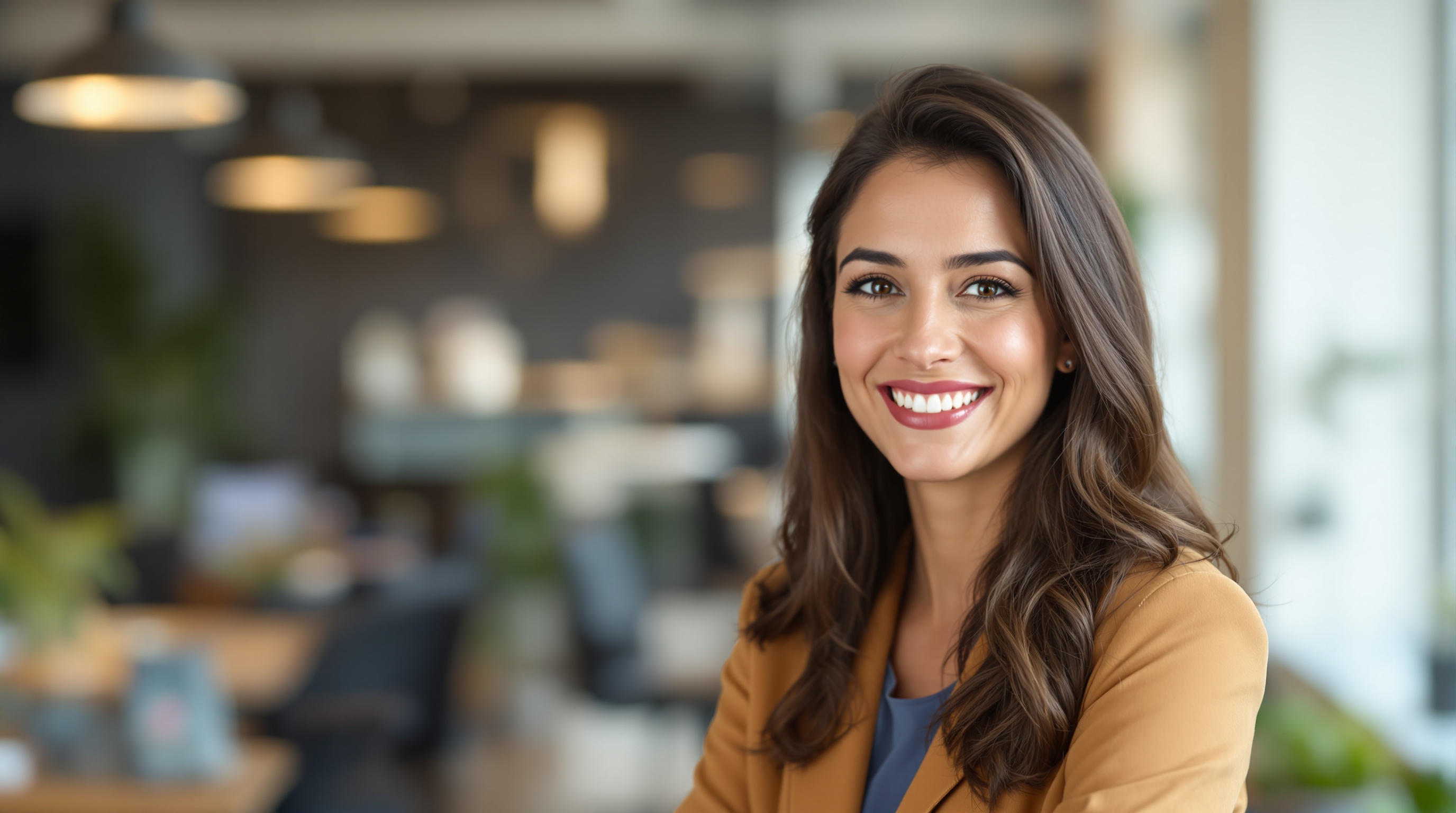
PhotoGuru AI helps professionals create polished, high-impact LinkedIn profile pictures quickly and affordably by transforming selfies into tailored, studio-quality headshots. Selecting the right style and optimizing your photo upload can boost your profile visibility and open professional opportunities. This guide covers why your LinkedIn photo matters, how PhotoGuru AI works, and actionable steps to ensure your headshot stands out in your industry.
Why a Strong LinkedIn Profile Picture Matters
Your LinkedIn profile picture is the first impression recruiters, clients, and colleagues get of you. A high-quality, professional image can increase profile views by up to 21 times and boost connection requests. PhotoGuru AI Blog highlights that users with polished headshots are more likely to be contacted for opportunities. In a competitive job market, a standout image is essential for building trust and credibility.
How PhotoGuru AI Creates Professional LinkedIn Headshots
PhotoGuru AI uses advanced artificial intelligence to turn your selfies into studio-quality headshots. Simply upload your photo, choose your preferred style, and let the AI handle the rest. The platform offers a variety of backgrounds, lighting, and attire options tailored for different industries. The result: a polished, natural-looking image that aligns with LinkedIn standards and boosts your professional presence.
Choosing the Right Headshot Style for Your LinkedIn Industry
Not all industries expect the same look on LinkedIn. Corporate professionals often benefit from formal attire and neutral backgrounds, while creatives or tech specialists can show more personality. PhotoGuru AI offers style options to match your field, from classic business looks to modern, approachable vibes. Review your industry’s norms and select a style that represents your role and personal brand.
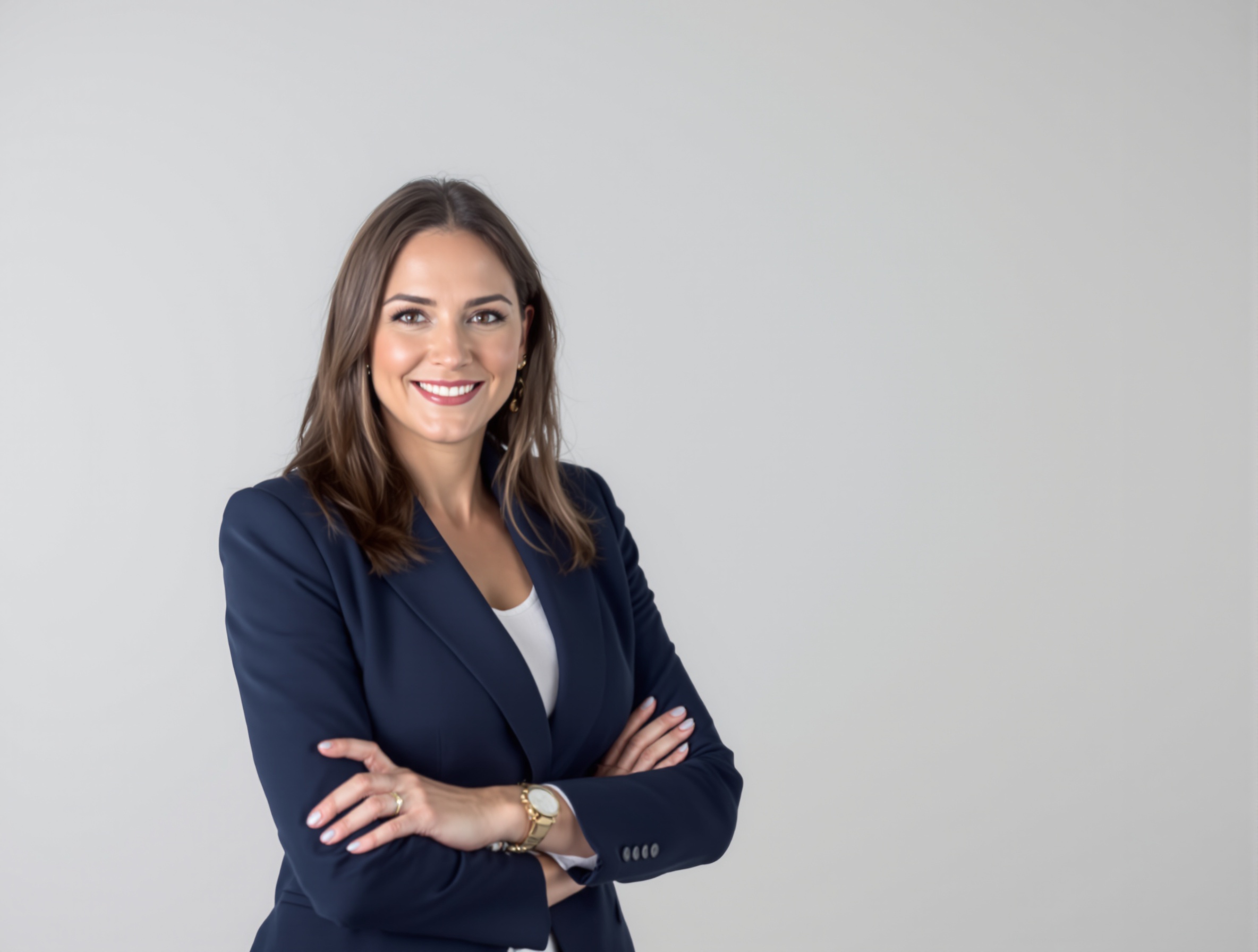
Step-by-Step Guide to Uploading Selfies for Best AI Results
- Find a well-lit space with natural or diffused lighting.
- Use a plain, uncluttered background.
- Face the camera directly and keep your expression natural.
- Avoid heavy filters, sunglasses, or distracting accessories.
- Upload a high-resolution image to PhotoGuru AI.
- Select your preferred headshot style and background.
Tips for Optimizing Your AI-Generated LinkedIn Photo
- Choose a style that fits both your personality and your target industry.
- Ensure your face is clearly visible and centered.
- Keep backgrounds simple to avoid distractions.
- Update your photo regularly to reflect your current look.
- Test different styles using PhotoGuru AI’s options to see what resonates best.
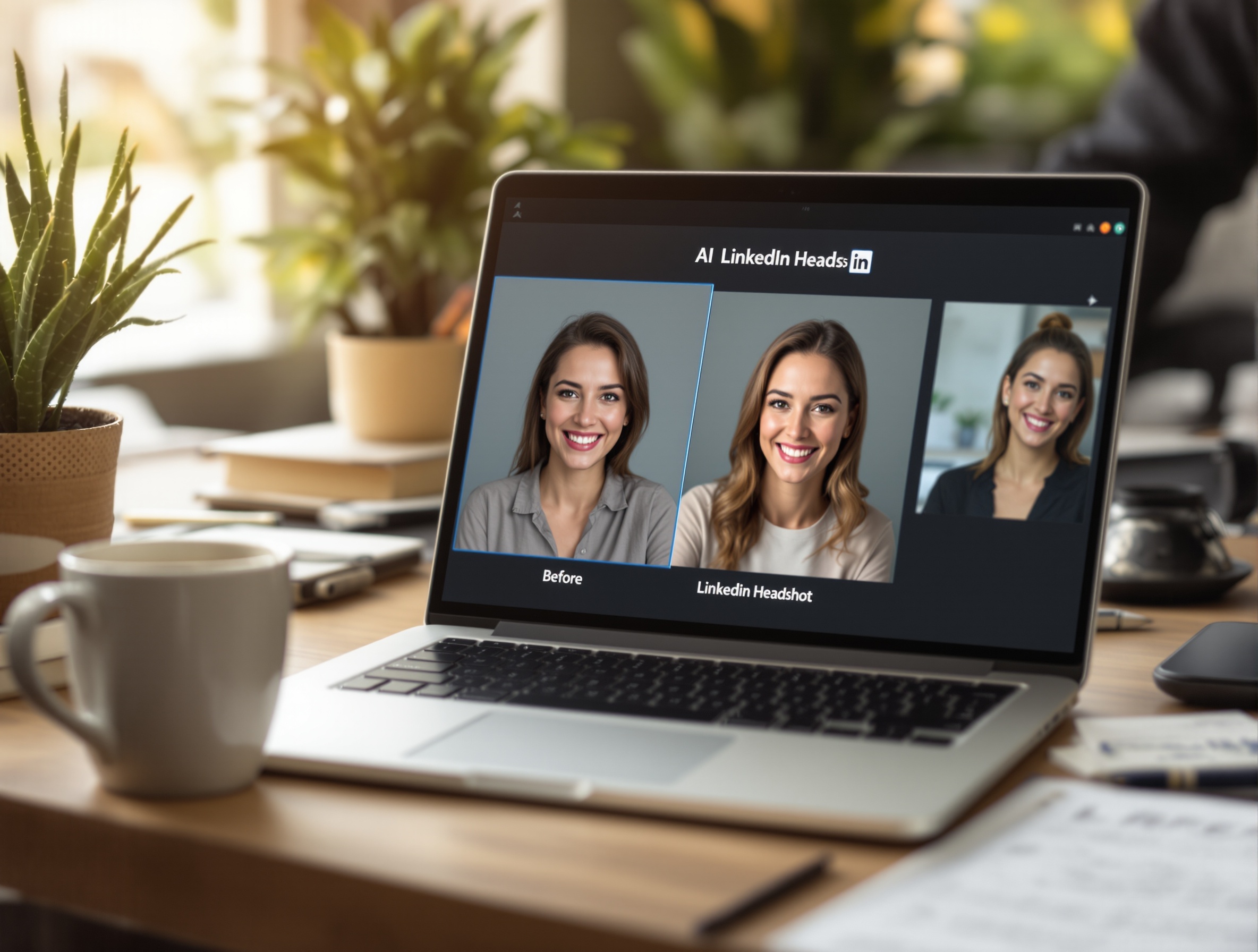
Examples of Effective LinkedIn Profile Pictures Generated by PhotoGuru AI
| Industry | Recommended Style | Background | Attire | PhotoGuru AI Benefit |
|---|---|---|---|---|
| Corporate/Finance | Formal, neutral | Light gray or white | Suit/blazer | Polished, authoritative look |
| Tech/Startups | Smart casual | Soft blue or modern office | Collared shirt, no tie | Approachable, modern vibe |
| Creative/Design | Expressive, colorful | Muted color or studio | Trendy, personal style | Showcases personality |
| Healthcare | Clean, friendly | Bright, clinical | Professional attire | Trustworthy, approachable |
PhotoGuru AI users have successfully landed interviews and new roles by updating their LinkedIn photos. For more inspiration and real-world examples, visit the PhotoGuru AI Blog.
Frequently Asked Questions about AI LinkedIn Profile Pictures
AI LinkedIn Profile Picture FAQ
How can AI improve my LinkedIn profile picture?
AI tools like PhotoGuru AI enhance your LinkedIn profile picture by transforming ordinary selfies into polished, professional headshots tailored for your industry. This boosts your visibility and credibility on the platform.
What styles of headshots work best on LinkedIn?
Neutral backgrounds, natural lighting, and professional attire are ideal for LinkedIn headshots. Styles should match your industry—corporate roles often use formal looks, while creative fields allow more personality.
How do I prepare my selfie for PhotoGuru AI?
Use a clear, high-resolution selfie with good lighting, a neutral background, and minimal accessories. Face the camera directly and avoid filters for the best AI results.
Are AI-generated headshots acceptable on LinkedIn?
Yes, AI-generated headshots are widely accepted on LinkedIn if they look realistic and professional. Ensure your image accurately represents you and meets LinkedIn’s guidelines.
How quickly can I get my AI LinkedIn headshot?
PhotoGuru AI typically delivers your finished LinkedIn headshots within minutes to a few hours, making it much faster than traditional photoshoots.
Can I customize my AI headshot for different LinkedIn roles?
Absolutely! PhotoGuru AI lets you choose from various styles and backgrounds, so you can tailor your headshot to fit different industries or roles.
Ready to Boost Your LinkedIn Presence?
Create your standout LinkedIn profile picture in minutes with PhotoGuru AI. Explore pricing and get started today to take your professional image to the next level.