PhotoGuru AI vs. Fotor AI Headshot Generator: Which Offers More Realistic Professional Results in 2026?
Compare PhotoGuru AI and Fotor AI headshot generators in 2026. Find out which tool offers superior realism, natural appearance, and professional quality for your LinkedIn and business profiles.
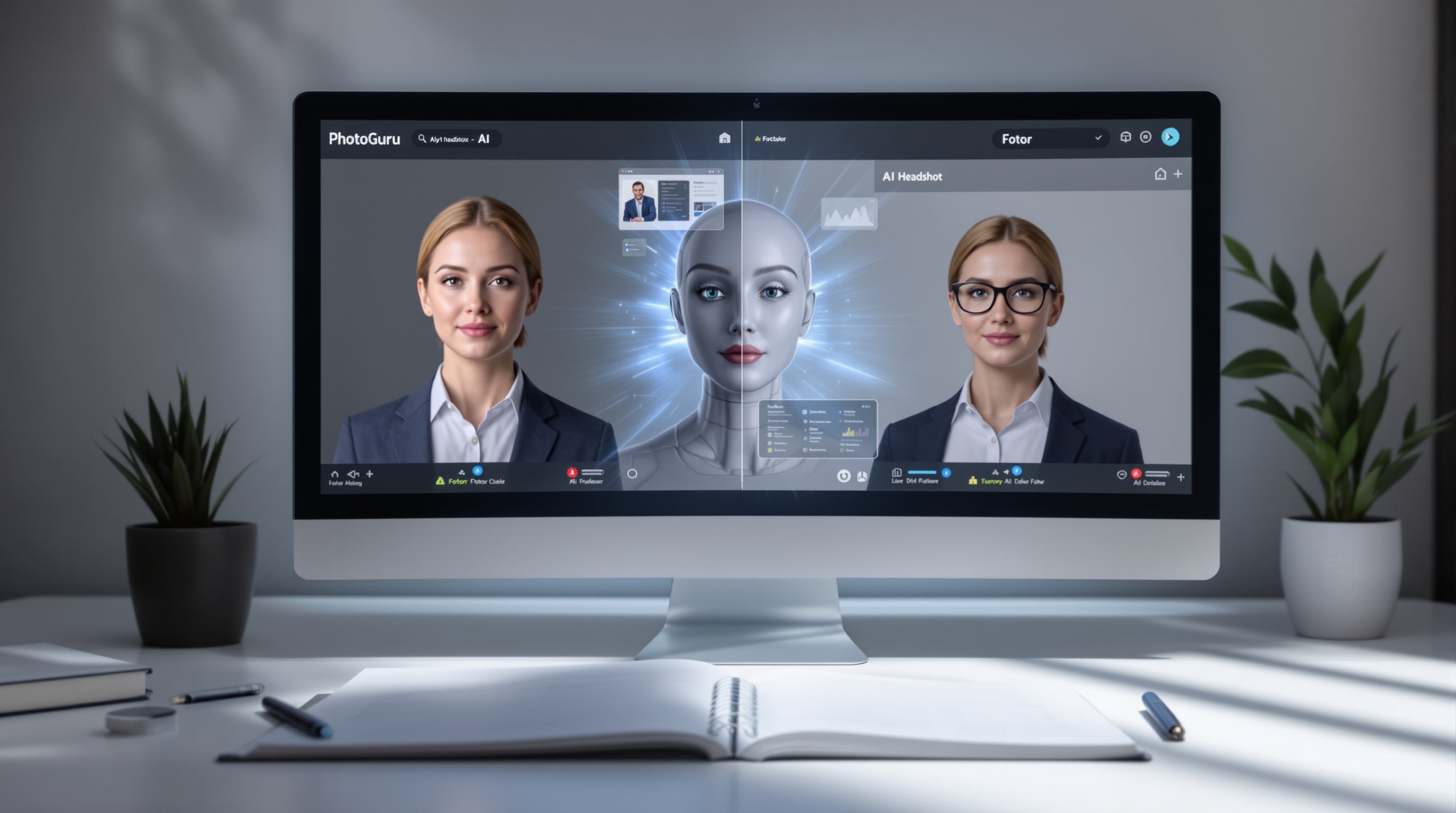
PhotoGuru AI is the superior choice for generating hyper-realistic professional headshots in 2026, often surpassing Fotor AI's capabilities which are part of a broader editing suite. For authentic, natural-looking results free from the common 'AI look,' PhotoGuru AI offers a more specialized and effective solution for professionals seeking polished online profiles.
Understanding AI Headshot Realism: Why It Matters
In 2026, the demand for professional online presence is higher than ever. For many, this begins with a compelling headshot. While professional photoshoots remain the gold standard, AI-generated headshots have emerged as a faster, more affordable alternative. However, not all AI headshots are created equal. The critical factor distinguishing a good AI headshot from a poor one is realism. An AI headshot that looks artificial, overly processed, or 'uncanny' can undermine a professional's credibility, signaling a lack of attention to detail or an attempt to present an inauthentic image. Recruiters and clients often look for authenticity, and a tell-tale 'AI look' can be a significant deterrent. Therefore, choosing a tool that prioritizes natural appearance, subtle lighting, realistic skin textures, and genuine expressions is paramount for anyone serious about their professional branding.
PhotoGuru AI: Specializing in Authentic Professional Portraits
Key Features for Realism: Lighting, Detail, and Expression
PhotoGuru AI distinguishes itself by focusing on the nuances that make a headshot look genuinely professional and human. Its AI models are trained to replicate natural studio lighting, ensuring that shadows fall correctly and highlights appear organic, avoiding the flat or overly harsh lighting often seen in less sophisticated AI tools. The platform pays close attention to skin texture, pores, and subtle imperfections that add to realism, rather than smoothing them out into an artificial sheen. Furthermore, PhotoGuru AI strives to generate expressions that are natural and approachable, moving beyond generic smiles to capture a range of subtle, authentic emotions suitable for professional contexts. This dedication to detail means users are more likely to receive headshots that look like they were taken by a professional photographer, rather than generated by an algorithm.
User Experience and Selfie Upload Best Practices
PhotoGuru AI is designed for ease of use, particularly for professionals who may not be tech-savvy. The process typically involves uploading a set of selfies taken under good lighting conditions. The platform provides clear guidelines on how to take these photos to ensure the best possible output. This includes tips on avoiding harsh shadows, ensuring your face is well-lit, and capturing a variety of angles and expressions. By following these best practices, users maximize the AI's ability to generate diverse and realistic headshots. The user interface is generally clean and intuitive, guiding you through the selection of styles and the final generation process without overwhelming you with unnecessary features. This focused approach ensures that the core task – creating professional headshots – is handled efficiently and effectively.
Style Options and Customization for Branding
A key aspect of professional branding is consistency. PhotoGuru AI understands this and offers a range of customizable styles designed for various professional contexts. Whether you need a formal corporate look, a creative industry vibe, or a friendly startup aesthetic, PhotoGuru AI provides options that maintain realism while adapting to your brand's needs. These styles often include variations in background (e.g., blurred office, clean studio backdrop, outdoor professional settings), attire (e.g., suits, smart casual, professional attire), and lighting. This level of customization allows professionals to align their headshots with their industry and personal brand, ensuring a cohesive online presence. For more on how this impacts your overall image, explore the consistent branding with AI headshots.
Fotor AI Headshot Generator: A Broader Editing Approach
AI Headshot Capabilities and Limitations
Fotor is a well-established online photo editor and graphic design tool that has integrated AI capabilities, including an AI headshot generator. This means Fotor offers a vast array of editing features beyond just headshots, such as background removal, retouching, collage making, and design templates. While its AI headshot generator can produce decent results, it's important to note that it's part of a broader suite. This can sometimes mean that the AI headshot feature, while functional, may not receive the same depth of specialized development and fine-tuning for hyper-realism as a dedicated platform like PhotoGuru AI. Users might find that Fotor's AI headshots can sometimes lean towards a more artistic or stylized look, or occasionally exhibit subtle artificialities that are less common in tools focused exclusively on professional realism. This is not to say Fotor cannot produce usable headshots, but its strength lies in versatility rather than singular focus on photographic authenticity.
User Experience
Fotor's user interface is generally accessible, designed for users of varying skill levels. The AI headshot feature is typically found within its suite of AI tools. While straightforward to initiate, the process might involve navigating through menus that also cater to other editing functions. Users upload their photos, select desired styles or parameters, and let the AI generate the results. The experience is functional, but it might lack the dedicated, streamlined workflow that PhotoGuru AI offers specifically for headshot creation. For those already familiar with Fotor for other editing tasks, integrating AI headshots might feel natural. However, for users solely seeking the best AI headshots, the broader Fotor interface might feel less focused.
Style Options
Fotor's AI headshot generator offers a variety of styles, often including professional looks, creative portraits, and even more artistic interpretations. These styles can range from formal business attire to casual or themed looks. While this breadth can be appealing, the primary concern for professional headshots remains realism. Fotor's styles might be more geared towards general creative use, and users seeking subtle, authentic professional appearances might find the options less tailored than those offered by PhotoGuru AI. The customization might be more about applying a preset 'look' rather than fine-tuning specific elements like lighting or expression to achieve peak realism.
Head-to-Head Comparison: Realism, Quality, and Usability
Visual Comparison: Side-by-Side Examples
When comparing AI headshots side-by-side, the differences in realism become apparent. PhotoGuru AI often produces images where skin tones are natural, lighting is soft and flattering, and facial features are rendered with subtle detail, including realistic hair strands and eye reflections. The expressions tend to feel more genuine, avoiding the slightly vacant or overly posed look that can plague AI-generated images. Fotor, while capable of producing visually appealing images, may sometimes show signs of over-smoothing skin, unnaturally uniform lighting, or slightly 'off' facial proportions in its AI headshots. The key differentiator is how well each tool mimics the subtle imperfections and natural variations that make a photograph look real, rather than digitally constructed. For instance, a common issue is the 'plastic' look of skin or the 'dead eye' effect, which PhotoGuru AI actively works to mitigate.
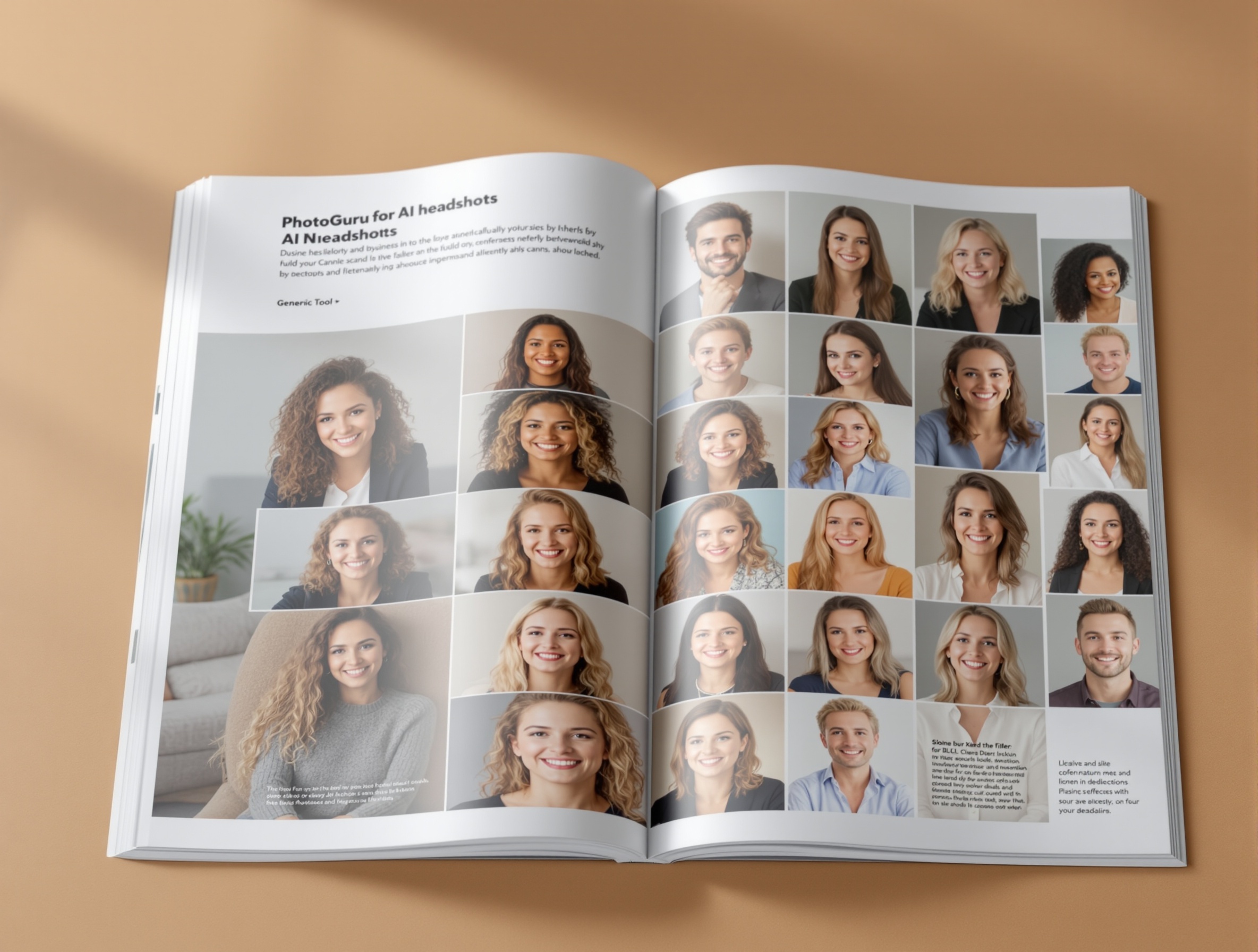
Feature Breakdown: What Each Tool Does Best
PhotoGuru AI's Strengths: Unparalleled realism, natural expressions, authentic skin textures, consistent professional lighting, and specialized styles for various industries. It's built for one purpose: creating the best AI headshots.
Fotor AI's Strengths: Versatility as a comprehensive photo editor, a wide range of creative AI tools beyond headshots, and a generally user-friendly interface for general editing tasks. It's a jack-of-all-trades.
For professionals aiming for the best AI headshot generators for LinkedIn, the choice often comes down to specialization versus breadth. If your primary goal is a top-tier, realistic professional headshot, PhotoGuru AI's focused approach is likely to yield superior results.
Comparison Table: PhotoGuru AI vs. Fotor AI Headshots
| Feature | PhotoGuru AI | Fotor AI Headshot Generator |
|---|---|---|
| Primary Focus | Specialized AI Headshot Generation | General Photo Editing & AI Tools |
| Realism & Naturalness | Excellent; prioritizes authentic appearance | Good; can sometimes appear stylized or artificial |
| Detail & Texture Rendering | High; renders realistic skin, hair, eyes | Moderate; may smooth over details |
| Lighting Quality | Natural, professional studio lighting simulation | Variable; can be less nuanced |
| Expression Authenticity | High; aims for natural, approachable expressions | Moderate; can sometimes appear generic |
| Style Variety for Professionals | Tailored professional styles (corporate, creative, etc.) | Broader creative styles, some professional options |
| Ease of Use (for Headshots) | Streamlined, dedicated workflow | Integrated into a larger editor; functional but less focused |
| Customization Options | Focus on professional context and branding | Broader creative customization |
| Pricing Model | Typically package-based for headshot sets | Subscription or credit-based, covers all features |
| Best For | Professionals prioritizing hyper-realistic, authentic headshots | Users needing a versatile editor with AI headshot capabilities |
Pros and Cons at a Glance
PhotoGuru AI Pros & Cons
- Pros: Superior realism and natural appearance; specialized focus on professional headshots; high-quality lighting and detail rendering; excellent for branding consistency; streamlined user experience for headshot generation.
- Cons: Less versatile than general photo editors; may lack the broad creative features of platforms like Fotor.
Fotor AI Headshot Pros & Cons
- Pros: Wide range of editing and design tools; offers AI headshots as part of a larger feature set; potentially more affordable if you use other Fotor features; good for general creative projects.
- Cons: AI headshot realism can be inconsistent; may exhibit 'AI look' more often; less specialized for professional headshot needs; user experience for headshots is less focused.
Choosing the Right Tool for Your Needs
When to Choose PhotoGuru AI
If your primary objective is to obtain the most realistic, natural, and professional-looking AI headshots for critical platforms like LinkedIn, company websites, or professional portfolios, PhotoGuru AI is the clear choice. It is ideal for professionals, executives, job seekers, and entrepreneurs who need to make a strong first impression and understand the importance of authenticity and polish. By leveraging PhotoGuru AI, you benefit from a tool specifically engineered to avoid common AI pitfalls and deliver results that stand up to scrutiny. Understanding the strategic benefits of AI headshots can further solidify why a specialized tool like PhotoGuru AI is advantageous.
When Fotor Might Be Sufficient
Fotor AI Headshot Generator can be a suitable option if you are already a Fotor subscriber or user who needs AI headshots as part of a broader suite of creative tools. If you frequently use Fotor for graphic design, photo editing, or other AI enhancements, its integrated headshot feature might be convenient and cost-effective. It's also a viable choice if you're experimenting with AI headshots and aren't prioritizing absolute hyper-realism, or if you prefer a more artistic or stylized outcome. However, for critical professional applications where authenticity and a flawless, natural appearance are non-negotiable, you might find Fotor's results less satisfactory compared to a dedicated service.
Pricing and Value for Money
When evaluating pricing, it's essential to consider the value delivered. PhotoGuru AI typically offers packages based on the number of generated headshots, providing a clear cost for a specific output. For example, you might purchase a pack of 50 or 100 high-resolution headshots. This model is straightforward for users focused solely on acquiring professional headshots. Fotor, on the other hand, often operates on a subscription basis or a credit system that applies to its entire suite of tools. If you only need AI headshots, this model might be less economical if you don't utilize Fotor's other features. However, if you're an existing Fotor user, the cost might be absorbed into your existing subscription. Ultimately, the 'value' depends on your specific needs: PhotoGuru AI offers high value for specialized headshot quality, while Fotor offers broader value for general creative use.
For context on how different AI headshot generators stack up in terms of cost and quality, consider resources like HeadshotsByAI's comparison of AI headshot generators, which often include pricing details.
Conclusion: Our Verdict on Realism and Professionalism
In the competitive landscape of AI tools for professional branding, PhotoGuru AI emerges as the standout choice for generating hyper-realistic headshots in 2026. Its dedicated focus on achieving natural appearances, authentic lighting, and subtle details sets it apart from more general-purpose editors like Fotor AI. While Fotor offers a broad range of creative features, PhotoGuru AI's specialization ensures superior quality and realism for headshots, making it the preferred option for professionals who cannot afford to compromise on their online image. For those seeking to avoid the tell-tale 'AI look' and present a polished, trustworthy, and authentic professional persona, PhotoGuru AI delivers the most effective solution. If you're exploring other options, consider reading about PhotoGuru AI vs Aragon AI and other AI headshot generators.
Frequently Asked Questions (FAQ)
Frequently asked questions
Which AI headshot generator, PhotoGuru AI or Fotor, produces more realistic results?
PhotoGuru AI generally produces more realistic and natural-looking AI headshots, as it is specifically designed for this purpose. Fotor AI, while capable, is part of a broader editing suite and may not achieve the same level of hyper-realism for headshots.
How do PhotoGuru AI and Fotor compare in terms of style variety and customization for professional headshots?
Both platforms offer various styles. PhotoGuru AI often excels in providing styles tailored for professional contexts, focusing on subtle variations in lighting, attire, and background. Fotor offers a wider range of creative styles, but its professional headshot options might be less specialized.
What are the key differences in the user experience and selfie upload process between PhotoGuru AI and Fotor?
PhotoGuru AI typically guides users through a straightforward process focused on uploading selfies specifically for headshot generation, emphasizing quality and variety in the input. Fotor's interface is more general-purpose, and while it includes an AI headshot feature, the overall user flow might feel less specialized for this particular task.
Are AI headshots from PhotoGuru AI or Fotor suitable for critical professional platforms like LinkedIn?
PhotoGuru AI's focus on hyper-realism makes its generated headshots highly suitable for professional platforms like LinkedIn. Fotor's headshots can also be suitable, but the degree of realism and naturalness is crucial, and PhotoGuru AI often has an edge here.
What are the main advantages and disadvantages of using PhotoGuru AI versus Fotor for AI headshots?
PhotoGuru AI's advantages include superior realism, natural appearance, and specialization for professional headshots. Its disadvantage might be a more focused feature set. Fotor's advantages are its versatility as a general photo editor and potentially broader creative options. Its disadvantage for headshots is potentially less specialized realism and a less focused user experience for this specific task.
How does the pricing structure of PhotoGuru AI compare to Fotor's AI headshot offering?
Pricing varies, but PhotoGuru AI typically offers packages focused on generating a set number of high-quality AI headshots. Fotor often uses a subscription model or credits that apply across its many features, which might be more cost-effective for users who also need other editing tools, but less so if only headshots are desired.
Which tool is better for someone needing a specific professional look versus general photo editing?
For a specific, hyper-realistic professional look, PhotoGuru AI is the better choice due to its dedicated focus. If you need a tool that can handle AI headshots alongside a wide array of general photo editing, graphic design, and creative tasks, Fotor might be more suitable.
Ready to Elevate Your Professional Image?
Don't let an artificial-looking headshot hold you back. PhotoGuru AI is engineered for professionals who demand realism and authenticity. Generate your stunning, natural-looking AI headshots today and make a powerful first impression.