PhotoGuru AI vs Aragon AI: Which AI Headshot Generator Is Better for LinkedIn in 2026?
Compare PhotoGuru AI vs Aragon AI for LinkedIn headshots in 2026. See a decision-first verdict, 9-point buying framework, side-by-side table, privacy & refunds, and a practical workflow.
Short answer: Pick PhotoGuru AI if your goal is a realistic, LinkedIn-ready headshot quickly and affordably; pick Aragon AI if you’re a team that needs brand templates, consistency, or API integrations. Use the 9-point checklist below (likeness accuracy, usable headshot rate, LinkedIn-crop fit, turnaround, privacy, and refunds) and our side-by-side table to choose with confidence. The practical metric to watch is your usable headshot rate — how many outputs you’d proudly publish — and the workflow in this guide shows exactly how to maximize it with PhotoGuru AI.
TL;DR: PhotoGuru AI vs Aragon AI — the quick answer
If you need a strong, believable LinkedIn headshot fast and at a sensible price, start with PhotoGuru AI. The product is geared toward individuals who want a clean, professional portrait across a variety of styles without learning a complex editor. If you’re buying for a whole team or you need brand templates and developer-level control, consider Aragon AI. Its positioning emphasizes company rollouts and programmatic consistency. The rest of this guide helps you choose with a repeatable framework, a comparison table, and a LinkedIn-ready workflow you can use today. For deeper platform guidance, see PhotoGuru AI: Your Guide to LinkedIn Profile Pictures That Get Noticed.
- Choose PhotoGuru AI if you’re an individual optimizing for realistic, LinkedIn-ready results and clear style options.
- Choose Aragon AI if you need team rollouts, brand templates, or API integrations for consistency at scale.
- Judge both by your usable headshot rate instead of one hero image; keep what you’d truly publish.
- Upload 12–20 varied selfies to improve likeness accuracy and reduce the “AI-smoothed” look.
- Always read privacy, rights, and refund terms before purchasing; confirm deletion controls and training usage.
How to choose: the 9-point decision framework
Use this buyer-first framework to compare PhotoGuru AI and Aragon AI without guesswork. The core principle is likeness accuracy × realism × workflow fit. An independent guide to choosing AI headshot tools recommends a similar multi-factor process that includes identity accuracy, usable rate, rights, privacy, and speed — all elements we cover here (source).
- Likeness accuracy (does it unmistakably look like you?)
- Usable headshot rate (how many outputs you’d proudly publish)
- Realism (skin texture, hair, edges, clothing artifacts)
- Style control (attire, background, vibe)
- LinkedIn crop fit (square, face fill, mobile legibility)
- Turnaround (how fast you receive publishable picks)
- Privacy & data handling (retention, deletion, training usage)
- Rights & refunds (commercial use, refund/credit terms)
- Team needs (brand templates, SSO, API, batch consistency)
1) Likeness accuracy
- How to test: share 6–8 candidates with two colleagues who know you and ask for a quick “looks like you?” yes/no.
- Reject shots with mismatched eye color, jawline distortion, or altered moles/scars that matter to identity.
- Favor subtle expression variety; avoid outputs that standardize you into a single smile that isn’t natural.
2) Usable headshot rate
- Calculator:
total cost ÷ number of images you’d publish. - Aim to cover at least LinkedIn, email avatar, and one speaker bio with your winners.
- If most outputs fail on likeness or realism, improve your input set before you switch tools.
3) Realism (texture and artifacts)
- Zoom to 100% on cheeks and forehead; keep pores and micro-contrast.
- Inspect hair edges against the background for unnatural blur or haloing.
- Check clothing seams, lapels, and buttons; reject warped geometry.
4) Style control (attire, background, mood)
5) LinkedIn crop fit (square and mobile legibility)
6) Turnaround (speed to publishable picks)
7) Privacy & data handling
8) Rights & refunds
9) Team needs (templates, SSO, API)
Side-by-side comparison table: PhotoGuru AI vs Aragon AI
| Criteria | PhotoGuru AI | Aragon AI | Why it matters |
|---|---|---|---|
| Positioning | Individual professionals who need fast, realistic headshots across multiple styles. | Teams and companies seeking consistent, brand-aligned headshots and admin controls. | Match the tool to your use case to avoid paying for features you won’t use. |
| Best for | Job seekers, founders, creators, consultants focused on LinkedIn and websites. | HR/comms, agencies, larger teams prioritizing uniformity and governance. | Different buyers, different priorities. |
| Likeness approach | Works best with 12–20 varied selfies; designed to output multiple realistic options. | Also benefits from diverse inputs; emphasizes consistency across many people. | Good inputs and scoring by usable rate remain essential. |
| Style controls | Straightforward professional styles (attire/background/mood) for individuals. | Brand templates and guardrails aimed at teams and companies. | The right controls reduce reshoots and post-editing. |
| LinkedIn crop tools | Simple export flow for square crops and profile usage. | Company-grade consistency likely requires templates and admin workflows. | Square crop with face prominence improves recognition on mobile. |
| Turnaround (typical) | Minutes to a few hours depending on queue and style count. | Minutes to a few hours depending on queue and organization setup. | Speed matters, but selection/retouch time dominates the total. |
| Privacy & data handling (summary) | Check retention, deletion, and training usage; opt for stricter settings if in doubt. | Likewise confirm retention, deletion, admin controls, and any training usage. | Policy fit is mandatory if you work with regulated data. |
| Commercial rights & refunds (summary) | Confirm usage rights and refund/credit terms for poor likeness. | Confirm usage rights, refund/credit terms, and team contract specifics. | Avoid surprises by reading terms before uploading. |
| Team features | Individual-first experience. | Team templates, admin governance, and API are key differentiators. | Scale and uniformity drive team value. |
| Learning curve | Fast, minimal setup; pick styles and go. | Heavier setup if using templates or integrations. | Lower friction gets you to publish faster. |
| Price band | Affordable for individuals and small businesses. | Varies by package; team options available. | Buy what you need; avoid overpaying for unused features. |
| Support & help center | Self-serve with guidance for LinkedIn-ready outputs. | Team-focused support and onboarding for company rollouts. | Support reduces redo loops and speeds time-to-value. |
When to pick PhotoGuru AI (with a simple LinkedIn-ready workflow)
Step-by-step: from selfies to a LinkedIn-ready profile photo
- Gather 12–20 recent selfies (no heavy filters). Include 2–3 with your glasses if you wear them, and a few with your natural smiles.
- Upload to PhotoGuru AI. Choose 2–3 professional styles that match your industry and role.
- Generate your set. Make a first pass: discard obvious misses (waxy skin, warped accessories, off likeness).
- Shortlist 8–12 candidates. Zoom to 100% to check skin texture, hair edges, and clothing details.
- Do a quick peer check. Ask 1–2 colleagues: “Which look the most like me?”
- Crop to square and adjust face size so it fills ~60–70% of the frame; center the eyes slightly above midline.
- Export and test on mobile. Upload the best one to LinkedIn; keep 2–3 alternates for email and bios.
Cost-per-usable-headshot (make your choice measurable)
When to pick Aragon AI (teams, brand templates, API)
- You have to generate headshots for 20+ people with one consistent style.
- Brand or legal requires repeatable backgrounds and attire templates.
- You want admin features, SSO, or an API for automated provisioning.
- You’re building a templated press kit and need identical framing across roles.
Selfie upload checklist to boost realism and likeness
- 12–20 recent selfies; avoid heavy filters.
- Mix indoor window light and outdoor shade; skip harsh midday sun.
- Plain backgrounds where possible; low visual clutter.
- Show your typical glasses if you wear them on most workdays.
- Include your current facial hair and hairstyle; avoid outdated looks.
- Varied angles: straight-on, 30°, and slight down/up tilt.
- Neutral expressions plus a few friendly smiles.
- At least one light, one dark top; add a blazer if that matches your role.
- Clean lens and steady hands to prevent blur.
- Avoid hats, sunglasses, or obstructive accessories.
- Do not crop too tightly; include shoulders for a natural portrait base.
- Rename files sensibly so you can audit which inputs produced the best likeness.
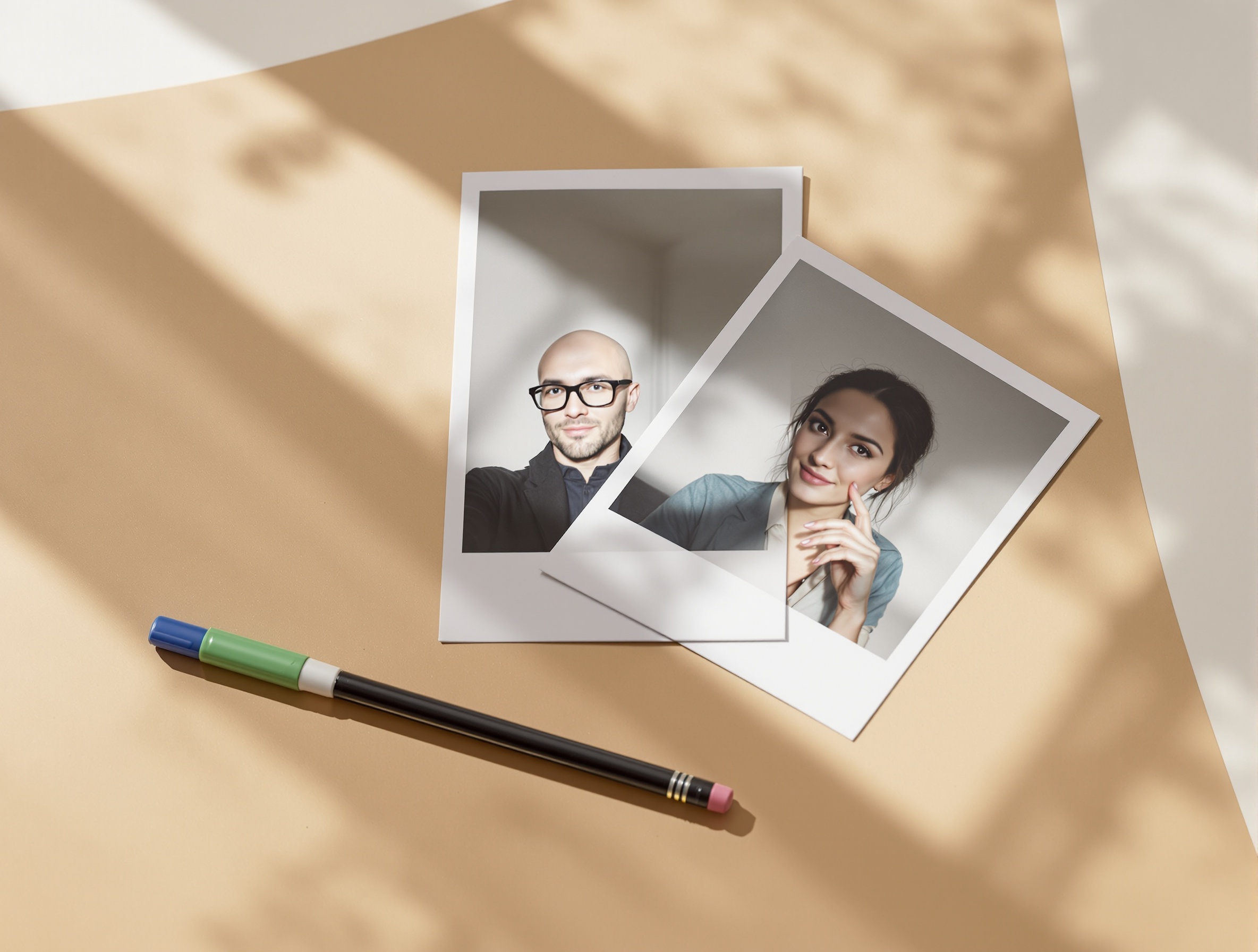
LinkedIn crop, background, and style tips by role
Corporate and finance
Startup and tech ICs
Sales, marketing, and partnerships
Creatives and founders
Healthcare and education
For LinkedIn tactics that boost views and replies, bookmark PhotoGuru AI: Your Guide to LinkedIn Profile Pictures That Get Noticed. And if you’re still weighing AI vs. traditional photography, see the broader pros, cons, and cost scenarios in Are AI Headshots Worth It in 2026? Honest Pros, Cons & Cost Comparison.
Light alternatives note (and next steps)
FAQs: PhotoGuru AI vs Aragon AI for LinkedIn headshots
Is PhotoGuru AI or Aragon AI better for LinkedIn headshots?
If you’re an individual who wants a fast, affordable, realistic profile photo, PhotoGuru AI is the simpler, LinkedIn-first pick. If you’re part of a company or need templates and programmatic consistency, Aragon AI is often the safer choice for teams. Use the 9-point checklist in this guide to verify likeness, realism, crop fit, privacy, and speed before you buy.
Which tool preserves likeness better (so it actually looks like me)?
Likeness depends on your input selfies and each vendor’s training pipeline. With either tool, upload varied, well-lit photos showing your true hair, glasses, facial hair, and expressions. Then score results by “usable headshot rate” — the number of images you would proudly publish on LinkedIn — rather than judging a single standout.
How many photos should I upload, and what kind?
Plan on 12–20 selfies shot in different lighting, angles, and outfits. Avoid sunglasses or heavy filters, include 2–3 neutral expressions and 1–2 friendly smiles, and keep the background plain when possible. This diversity helps the model lock onto your features and improves likeness consistency.
Are AI headshots allowed on LinkedIn and company sites?
LinkedIn profile photos should represent the real you; AI is acceptable when images are realistic and not misleading. Company policies vary — some teams require authentic portraits. When in doubt, ask HR/Legal and review platform rules. Always avoid over-stylized, obviously synthetic results for professional contexts.
What’s the typical turnaround time?
Expect results in minutes to a few hours depending on queue and how many styles you request. Both tools can deliver quickly; the bigger swing in total time usually comes from your own selection and minor retouching process.
How do refunds and data privacy work?
Policies differ by vendor. Before you buy, confirm: data retention period, whether your photos/models are used to train future systems, deletion controls, commercial usage rights, and refund or credit terms for poor likeness. If you handle sensitive data or have employer constraints, choose the stricter policy.
How do I avoid the “AI-smoothed” look, and will glasses/beards be preserved?
Feed the model what you want to see: include recent selfies wearing your glasses and with your current facial hair. Use natural light, texture-rich photos, and avoid beauty filters. After generation, favor shots with visible skin texture and natural edges around hair and glasses; reject images with waxy skin, warped frames, or soft plastic sheen.
Create a LinkedIn-ready headshot with PhotoGuru AI
Ready to go from selfies to a believable, professional profile photo? Use the 9-point framework and our quick workflow to publish a headshot you’re proud of — fast.