Back to all questions
4 min read
process

How many photos should I upload for best results?

Quick Answer

Upload 10-20 high-quality selfies with different angles, expressions, and lighting. More variety helps create a better AI model that captures your unique features accurately.

Visual Examples

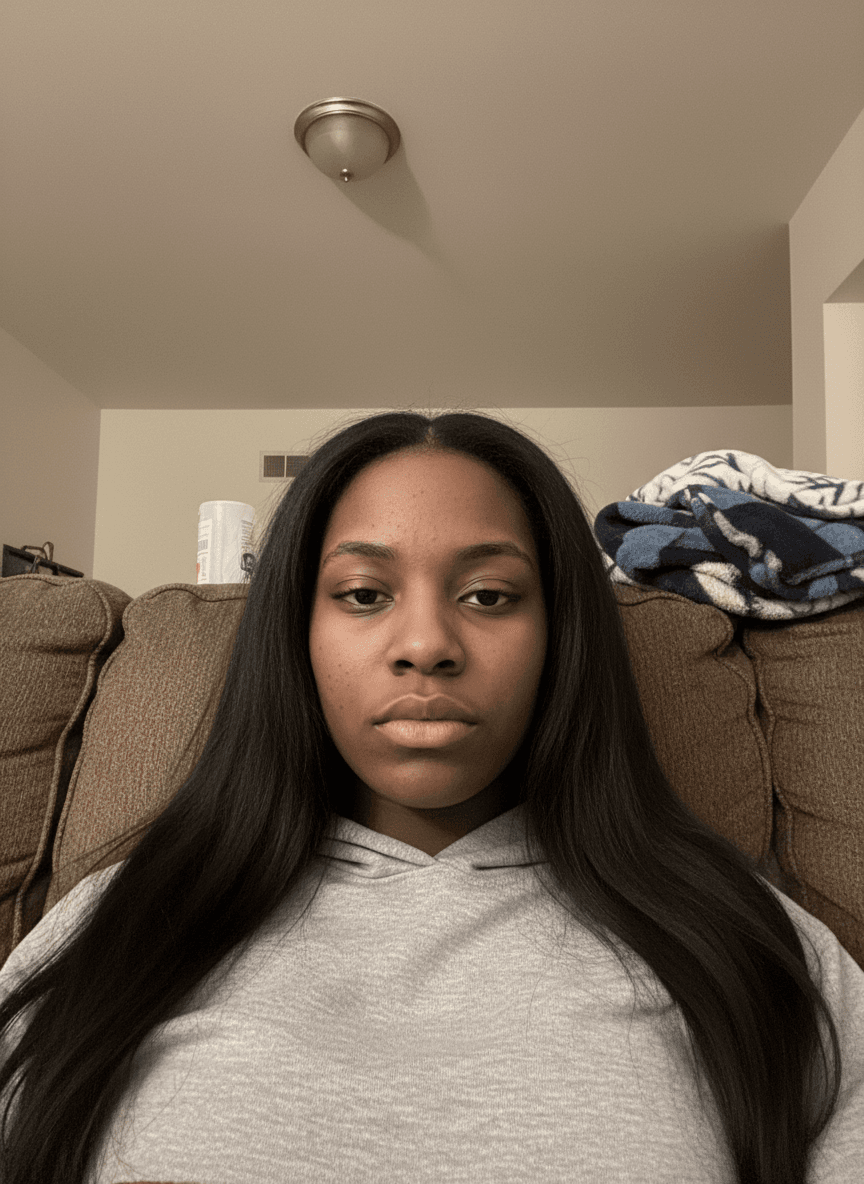
Good reference photo example with natural lighting
Example of good reference photo: Natural lighting, clear face, good angle
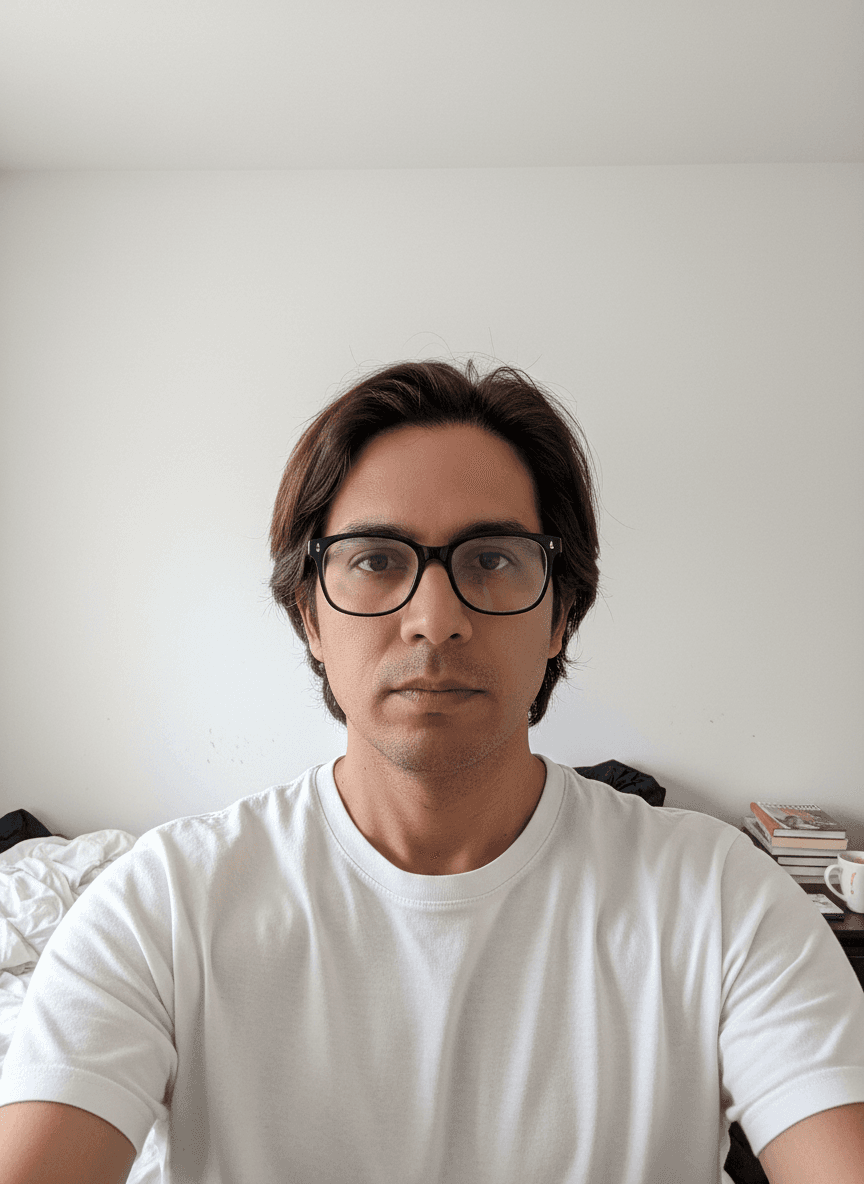
Quality selfie for AI generation
Quality reference selfie: Different expression, clear composition
Well-lit reference photo example
Ideal reference photo: Proper lighting, clear facial features
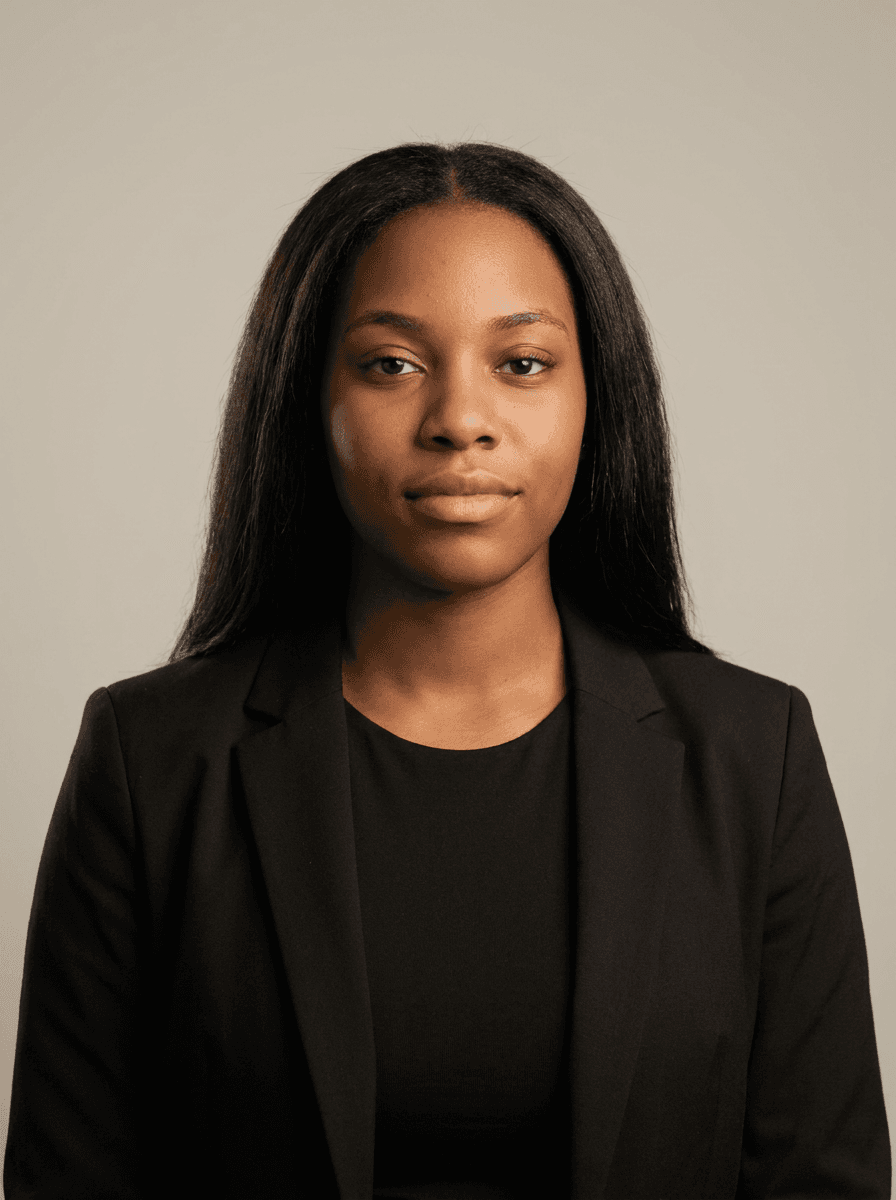
Professional result from good reference photos
Professional AI result: Studio-quality headshot generated from reference photos
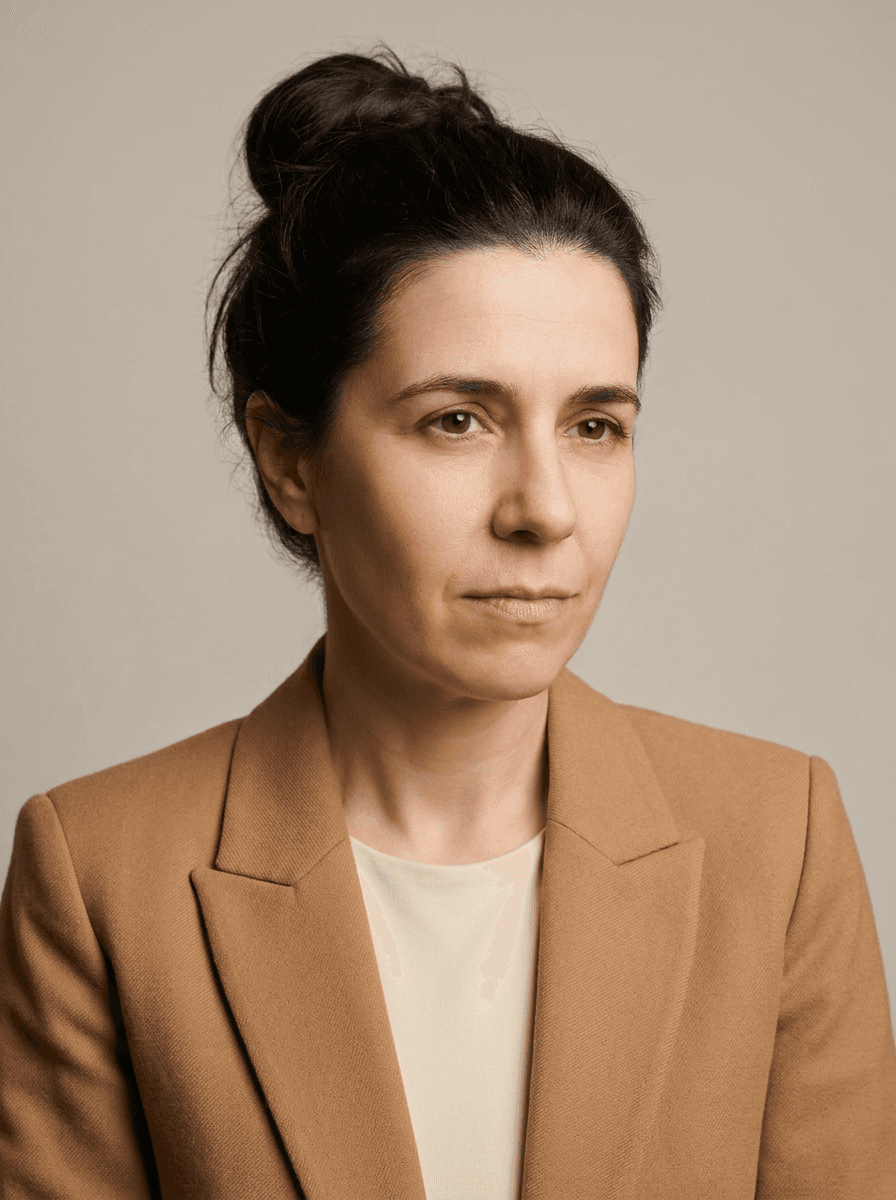
High-quality AI generated result
AI-generated result: Professional headshot created from reference images

The number and quality of photos you upload directly impacts the quality of your AI-generated headshots. Here's our comprehensive guide:

Optimal Photo Count: 10-20 Photos

Minimum Requirement: 10 photos

Follow the photo count requested by your chosen tool
Good results for most users
Faster processing time

Recommended Range: 15-20 photos

Optimal balance of quality and processing time
Allows AI to learn more facial variations
Better accuracy in different lighting conditions
More natural expressions in generated photos

Maximum Benefit: 20 photos

Clear reference photos help guide generation
Highest quality generated photos
Most accurate facial feature reproduction

Photo Variety Guidelines

Angles (Include 3-5 different angles)

Straight on: Direct face-to-camera shots
Slight left turn: 15-30 degree left angle
Slight right turn: 15-30 degree right angle
Slight up angle: Looking slightly up at camera
Slight down angle: Camera slightly above eye level

Expressions (Include 4-6 different expressions)

Professional smile: Genuine, warm smile for business photos
Serious/neutral: Professional neutral expression
Casual smile: Relaxed, natural smile
Slight smile: Subtle, confident expression
Laughing: Natural, joyful expression (1-2 photos max)

Lighting Conditions (Include 3-4 different lighting)

Natural window light: Soft, even lighting from window
Outdoor shade: Even, natural outdoor lighting
Indoor lighting: Well-lit indoor environment
Different times of day: Morning vs. afternoon natural light

Clothing and Backgrounds

2-3 different outfits: Helps AI understand your style preferences
Various backgrounds: Simple, uncluttered backgrounds work best
Consistent quality: All photos should be high-resolution and clear

Photo Quality Requirements

Technical Specifications

Resolution: Minimum 500x500 pixels, recommended 1000x1000+
Format: JPG, PNG, or HEIC files accepted
File size: 1MB to 10MB per photo
Focus: Sharp, clear focus on your face

Composition Guidelines

Face size: Your face should occupy 30-60% of the photo
Eye level: Camera at or slightly above eye level works best
Lighting: Avoid harsh shadows or overexposure
Background: Simple, uncluttered backgrounds preferred

Photos to Avoid

Poor Quality Issues

Blurry or out-of-focus images
Heavily filtered or edited photos
Low-resolution or pixelated images
Photos with extreme lighting conditions

Composition Problems

Face too small in frame (less than 20% of image)
Face partially obscured by objects
Extreme angles or poses
Group photos with multiple people

Technical Issues

Screenshots of other photos
Photos with heavy digital filters
Images with artificial beauty filters
Corrupted or damaged files

Pro Tips for Best Results

1. Use natural lighting: Window light or outdoor shade provides the most flattering results

2. Keep backgrounds simple: Plain walls or natural settings work best

3. Maintain consistent quality: All photos should have similar technical quality

4. Include some variety: Different outfits and settings help the AI understand your range

5. Check before uploading: Review each photo for clarity and composition

Reference photos, not new model training

New originals upload directly from your browser to FAL, not PhotoGuru's S3 or database. FAL may store and process them; some tools also use Replicate. The legacy new-model training wizard is retired, and existing models and outputs are retained. Previously uploaded originals may remain until legacy cleanup completes. See our Privacy Policy for details.

Need More Help?

Still have questions?

Our support team is ready to help you get started with professional AI photography.