Are the AI-generated photos actually professional quality?
Often, yes: the best photos look like a studio session, with good light, a clean backdrop and sharp detail in HD or 4K. Not every photo will be a keeper, so you pick the ones that look like you and skip the rest.
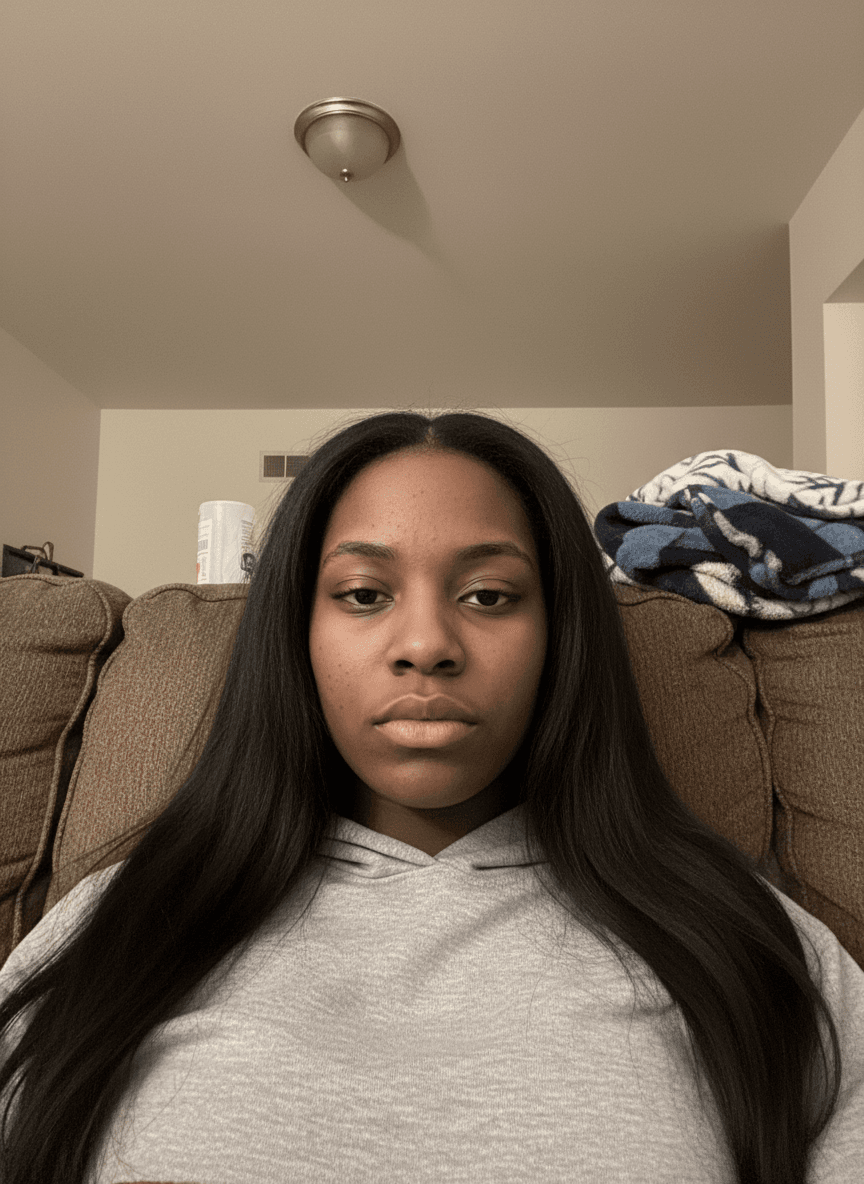
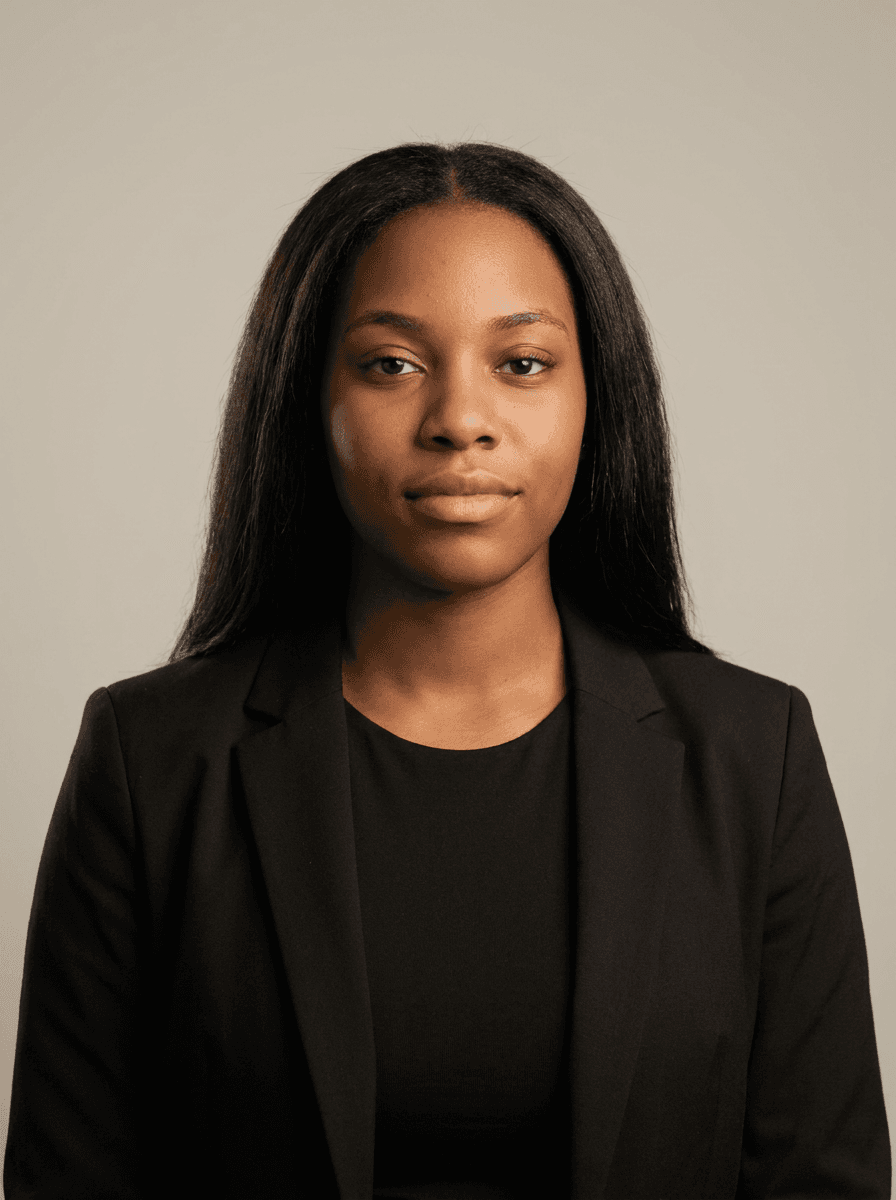
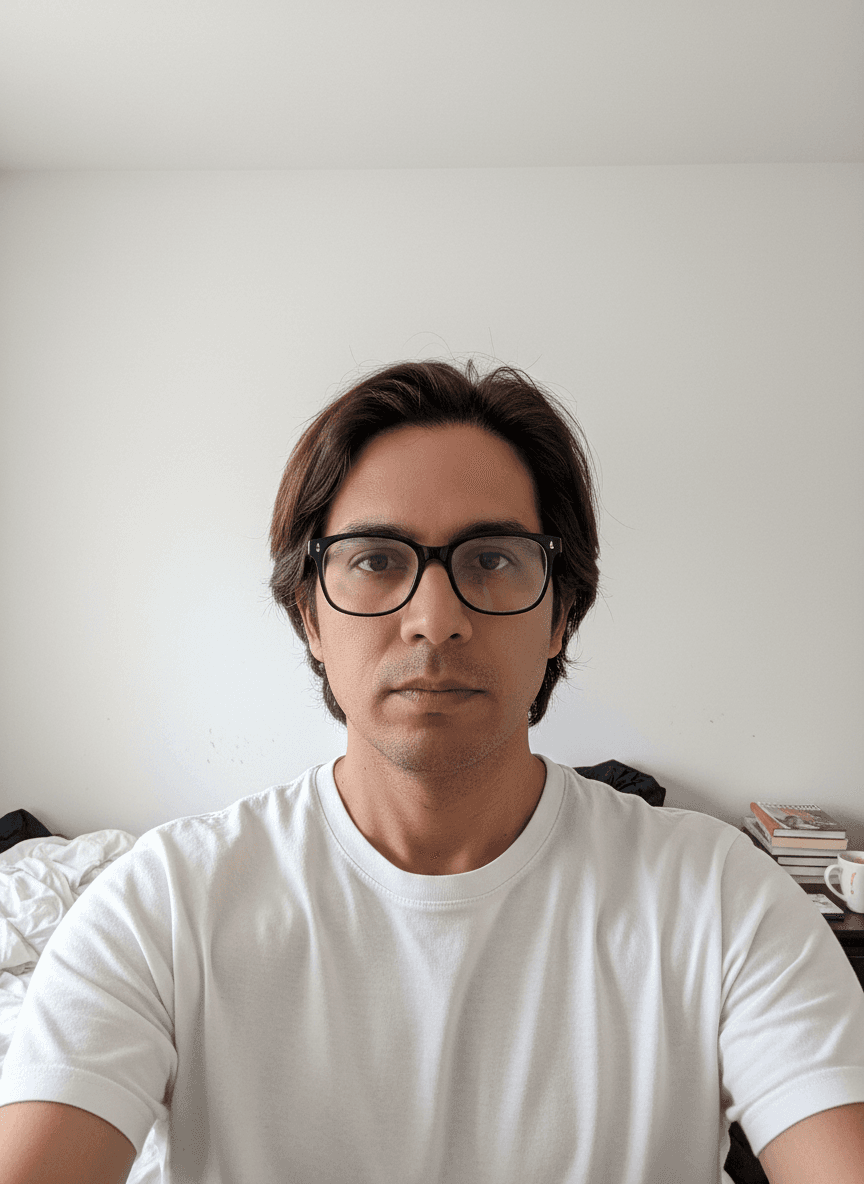


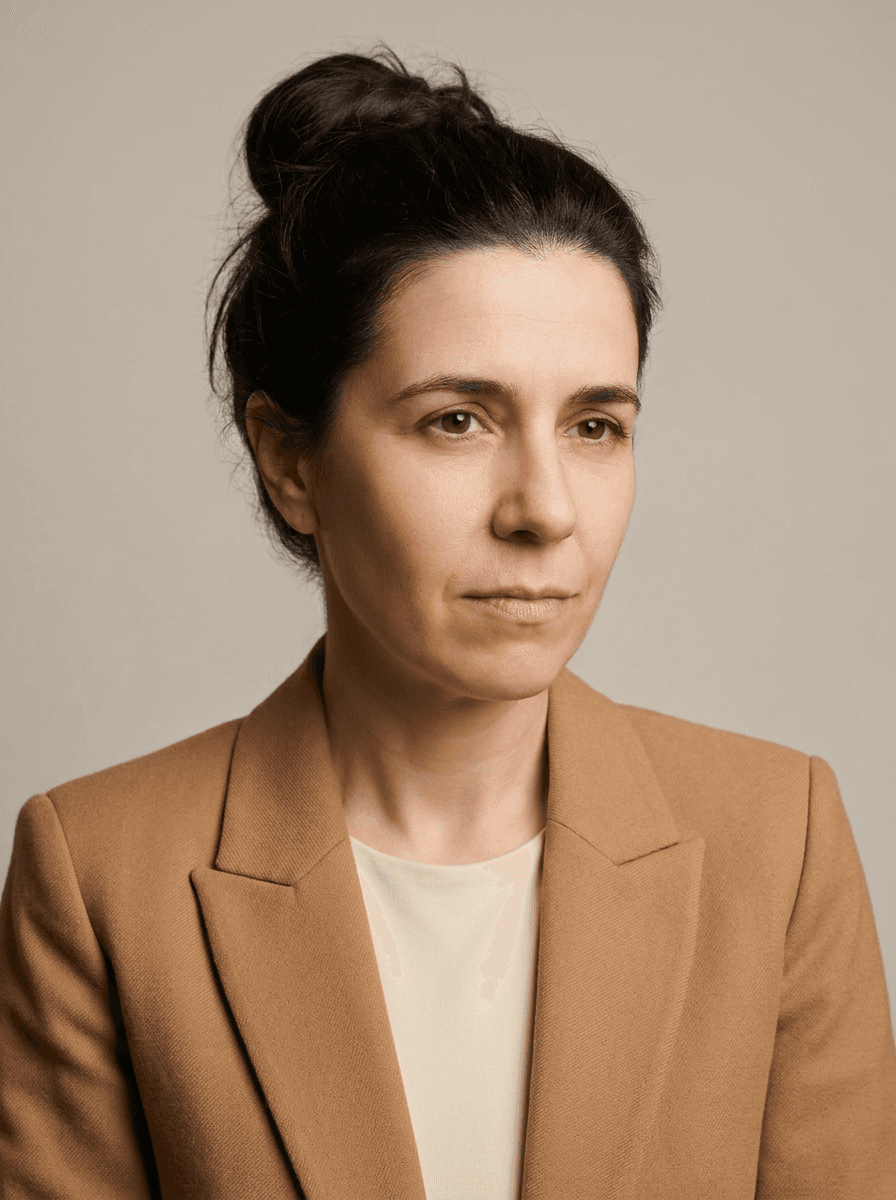
Quality depends mostly on two things: the selfies you upload and the look you pick.
What you can expect
- Studio-style light and backdrops, chosen to suit each look.
- HD by default, 4K when you want it. A 4K photo uses 2 credits and holds up in print and on large banners.
- Your features in a new setting. Your selfies guide the AI to keep your face while it changes the clothes, light and background.
What can go wrong
AI photos can miss. Some may not look quite like you, and details like hands, jewellery or text on clothing can come out odd. That's why it helps to make a few photos per look and keep the ones that feel right.
How to get better results
- Upload sharp, well-lit selfies from a few angles. See how many photos to upload.
- Pick looks that suit where the photo will be used.
- Use the photo editor to fix the background or outfit on a photo you almost love, for 1 credit per edit.
If they're not usable
If none of the photos work for you, ask for a refund within 7 days of purchase.