Broadest AI Portrait-Style Libraries: How Catalog Breadth and Themed Looks Compare
Compare portrait-style libraries by published catalog size, category depth, and workflows across reference atlases and direct generation studios.
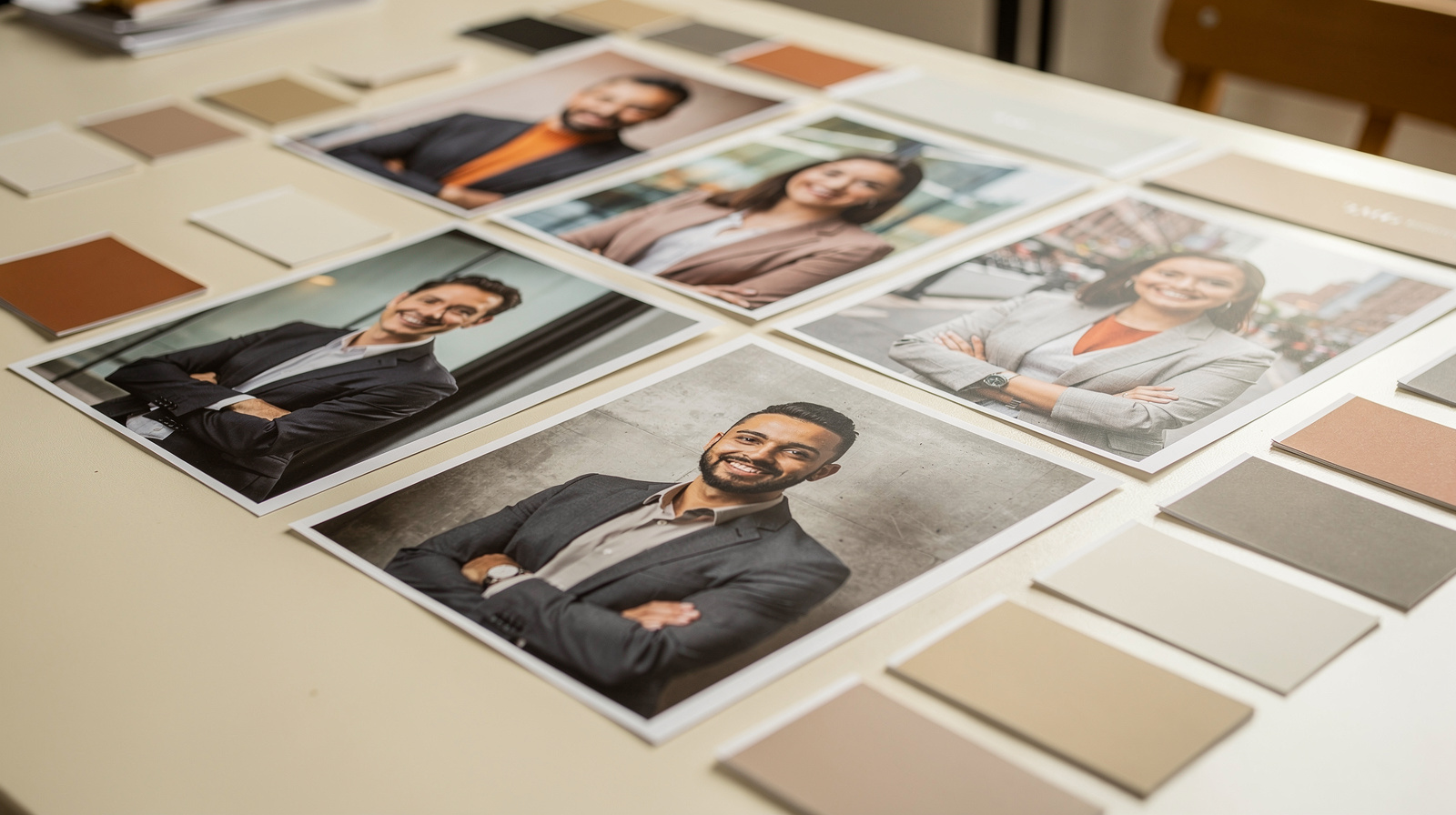
Published catalogs measure variety in different units: AI Style Atlas publishes 194 styles across 16 categories, while PhotoGuru AI lists 28 themed packs on its catalog page. Because individual styles and multi-look photo packs are different measurement units, published figures alone cannot establish which library contains more total individual looks.
Which portrait-style libraries offer the broadest catalog of themed looks?
Catalog breadth is published in different units: AI Style Atlas lists 194 prompt styles across 16 visual categories for reference, while PhotoGuru AI lists 28 themed packs (including 6 included packs with 38 looks, plus premium packs for $5.99 to $9.99) spanning work, dating, lifestyle, and creative scenes.
Understanding Catalog Breadth: Styles, Packs, and Looks
Comparing catalog breadth across portrait tools requires checking how each platform defines its units. AI Style Atlas operates as a prompt reference guide where each style represents a style prompt tested against a single base face across various visual media. By contrast, PhotoGuru AI organizes its studio into themed packs created directly from uploaded phone selfies.
On PhotoGuru AI's photo-packs page, each of the 28 themed sets contains 6 to 8 individual looks built around a unified setting or use case. Because one pack produces multiple visual variations from a single run, buyers should inspect look counts per pack rather than comparing pack numbers directly to prompt counts.
When evaluating libraries, look beyond headline counts to verify what a unit provides. We recommend evaluating four structural dimensions before choosing a library:
- Unit definition: whether a listing is an open-ended prompt string or an automated selfie preset.
- Category coverage: balance across corporate headshots, casual social photos, dating profiles, and expressive creative concepts.
- Delivery workflow: whether you copy prompt text into an external image tool or download rendered portraits directly.
- Identity consistency: whether outputs maintain recognizable facial likeness across varied lighting and wardrobe.
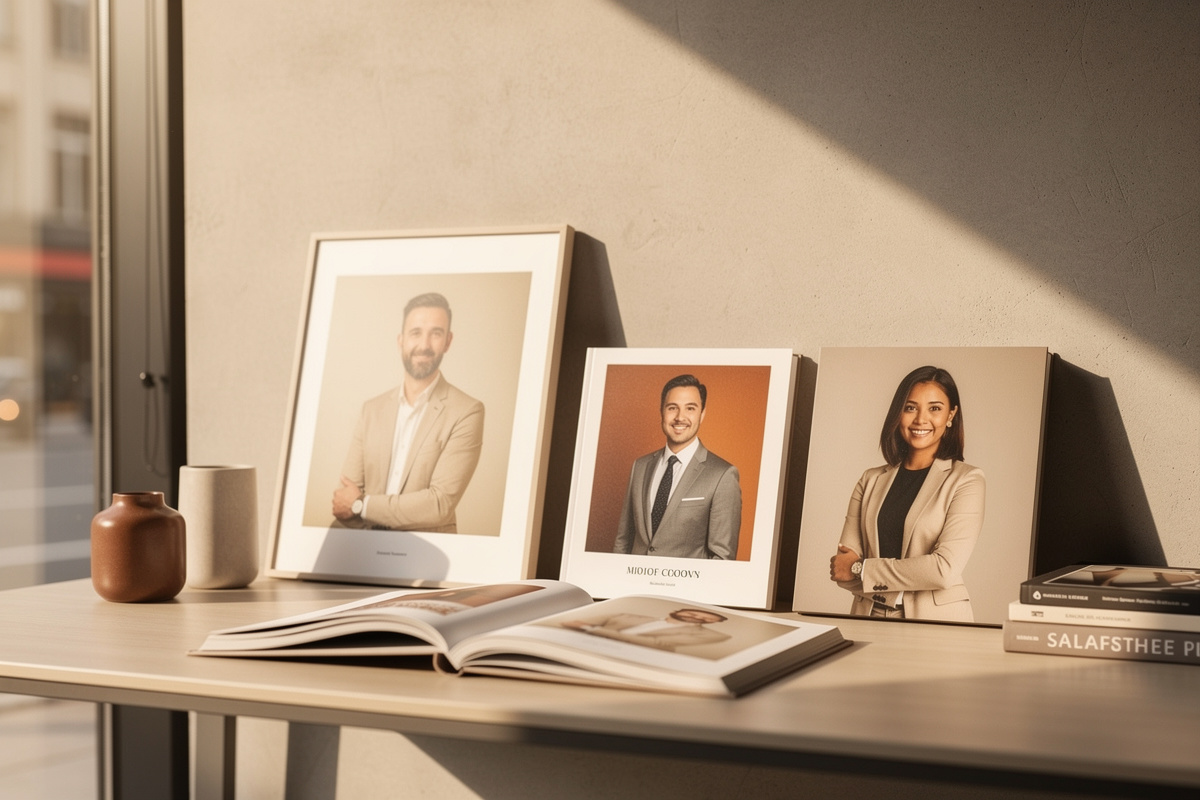
Catalog Size and Category Breakdown Across Portrait-Style Libraries
Different platforms support distinct creation methods. AI Style Atlas publishes 194 styles organized across 16 categories, including Game Assets, Anime & Manga, Fine Art & Painting, Photography, Cinema & Film, Crafts & Materials, and Digital Art. Its interface holds one fictional identity steady, displays what each medium changes, and allows creators to copy prompts into their preferred image tool.
By contrast, PhotoGuru AI focuses on practical photography environments. Its packs pair lighting, wardrobe, and backdrops tailored for specific destinations such as LinkedIn profiles, dating apps, and creator channels.
Reviewing published metrics side-by-side clarifies how library structure aligns with specific user goals.
| Library Platform | Catalog Size Unit | Published Categories | Primary Output Workflow | Target Use Case |
|---|---|---|---|---|
| AI Style Atlas | 194 styles | 16 categories (Fine Art, Cinema, Anime, Crafts, Photography, etc.) | Prompt reference and comparison slider for external tools | Artistic exploration and prompt testing across visual traditions |
| PhotoGuru AI | 28 themed packs on catalog page (6–8 looks per pack; 38 included looks) | 4 categories (Work, Dating & Social, Lifestyle, Creative) | Direct selfie upload to finished HD/4K photo downloads | Turnkey professional headshots, dating profiles, and creator assets |
Why Catalog Size Alone Does Not Guarantee Everyday Usefulness
A large number of styles does not automatically translate to practical value if the catalog lacks targeted use cases. An extensive catalog filled with niche art movements or fantasy themes offers little help when you need an executive portrait for a board deck or a relaxed image for a dating profile.
For professional and social uses, structure and navigation matter alongside raw variety. In PhotoGuru AI, choosing a pack allows you to generate a set of related looks from your uploaded selfies in a single run. Learn more about matching looks to specific platforms in our guide on when to use different photo types.
Furthermore, output workflows dictate the required steps. With AI Style Atlas, users inspect style changes and copy prompts into external generation software. In PhotoGuru AI, users upload 1 to 10 selfies, select their chosen packs, and download finished photos in HD or 4K.
PhotoGuru AI's 28 Themed Packs Across Four Key Categories
PhotoGuru AI organizes its catalog into 28 themed photo packs grouped into work, dating and social, lifestyle, and creative categories. Every plan includes 6 foundational packs totaling 38 looks at no extra cost, while additional premium packs unlock once for $5.99 to $9.99.
Work options include the included LinkedIn Headshot and Business Casual packs, alongside paid premium options such as Tech Founder ($9.99), Executive Suite ($9.99), and Speaker & Stage ($7.99). Dating and social options feature the included Dating Photos pack with 8 looks, as well as paid add-ons like Date Night ($7.99) and Fitness & Athletic ($7.99).
Lifestyle sets provide specialized aesthetics through paid unlocks like Luxury Lifestyle ($9.99) and Old Money ($7.99). Creative options include the included Creative Portraits and Artistic Studio packs, as well as premium unlocks like Celebrity Style ($9.99) and Musician & Artist ($7.99).

Checklist for Choosing the Right Portrait-Style Library
To select the best library for your project, match the platform's catalog architecture to your immediate output needs. If your goal is exploring visual mediums or creating concept art, an expansive prompt directory provides broad experimental range. If your goal is creating profile photos without prompt engineering, choose a direct generation studio with structured packs.
Use this step-by-step evaluation process before purchasing credits or committing to a style platform:
- Identify your primary use case, determining whether you need professional headshots, dating profiles, or creative art.
- Check whether essential everyday styles are included in the base plan or require separate add-on fees.
- Confirm the underlying workflow to ensure you receive rendered images directly without manual prompt tuning.
- Inspect sample gallery outputs to verify realistic lighting, natural skin texture, and accurate facial likeness.
- Review licensing terms to ensure commercial usage rights are included for your career and brand assets.
Explore PhotoGuru AI's themed photo packs.
Frequently asked questions
What is the difference between an AI style catalog and a photo pack library?
A reference catalog like AI Style Atlas provides style prompts across artistic media for use in external image tools, whereas a pack library like PhotoGuru AI provides pre-configured lighting, wardrobe, and scene presets that generate finished photos from uploaded selfies.
How many photo packs and looks are included with PhotoGuru AI?
Every PhotoGuru AI plan includes 6 foundational photo packs totaling 38 looks (LinkedIn Headshot, Business Casual, Dating Photos, Gym & Fitness, Creative Portraits, and Artistic Studio), with additional premium packs available as one-time unlocks from $5.99 to $9.99.
Can I use generated portraits for commercial and professional profiles?
Yes, every PhotoGuru AI plan includes personal and commercial licensing, allowing you to use generated photos across LinkedIn, company websites, resumes, marketing assets, and social channels without ongoing royalties.