
10 Best AI Photo Generators for Business Portraits
AI photo generators are changing the way professionals create business portraits. These tools transform simple selfies into polished headshots, saving time and money compared to traditional photoshoots. Whether you need LinkedIn-ready images or marketing materials, these platforms deliver professional results in minutes. Here's a quick look at 10 top AI headshot generators:
- PhotoGuru AI: Offers 30+ styles, HD/4K output, and fast processing (starting at $35). Great for professional branding.
- Canva: Known for its design tools, it now includes AI headshots with customization and batch processing ($14.99/month).
- Dreamwave: Premium-quality headshots with deep personalization options and detailed features (starting at $35).
- Aragon: Focused on corporate team portraits with a "Remix" feature for quick tweaks.
- Fotor: A free option for creating professional headshots with text-to-image capabilities.
- ProPhotos AI: Budget-friendly with tiered plans and commercial usage rights (starting at $39).
- PortraitPal: Simple and fast headshots with minimal customization (starting at $35).
- HeadShotPro: A straightforward tool for business-ready images, with more details expected soon.
- PFPmaker AI: Flexible credit-based pricing for creating polished profile pictures.
- AI Portrait Studio: High-resolution pay-per-image portraits starting at $15, designed for corporate use.
These tools vary in pricing, customization, and speed, so choose based on your needs, whether it's quick results, detailed personalization, or budget options.
Top 7 AI Headshot Generators (with My Results)
1. PhotoGuru AI
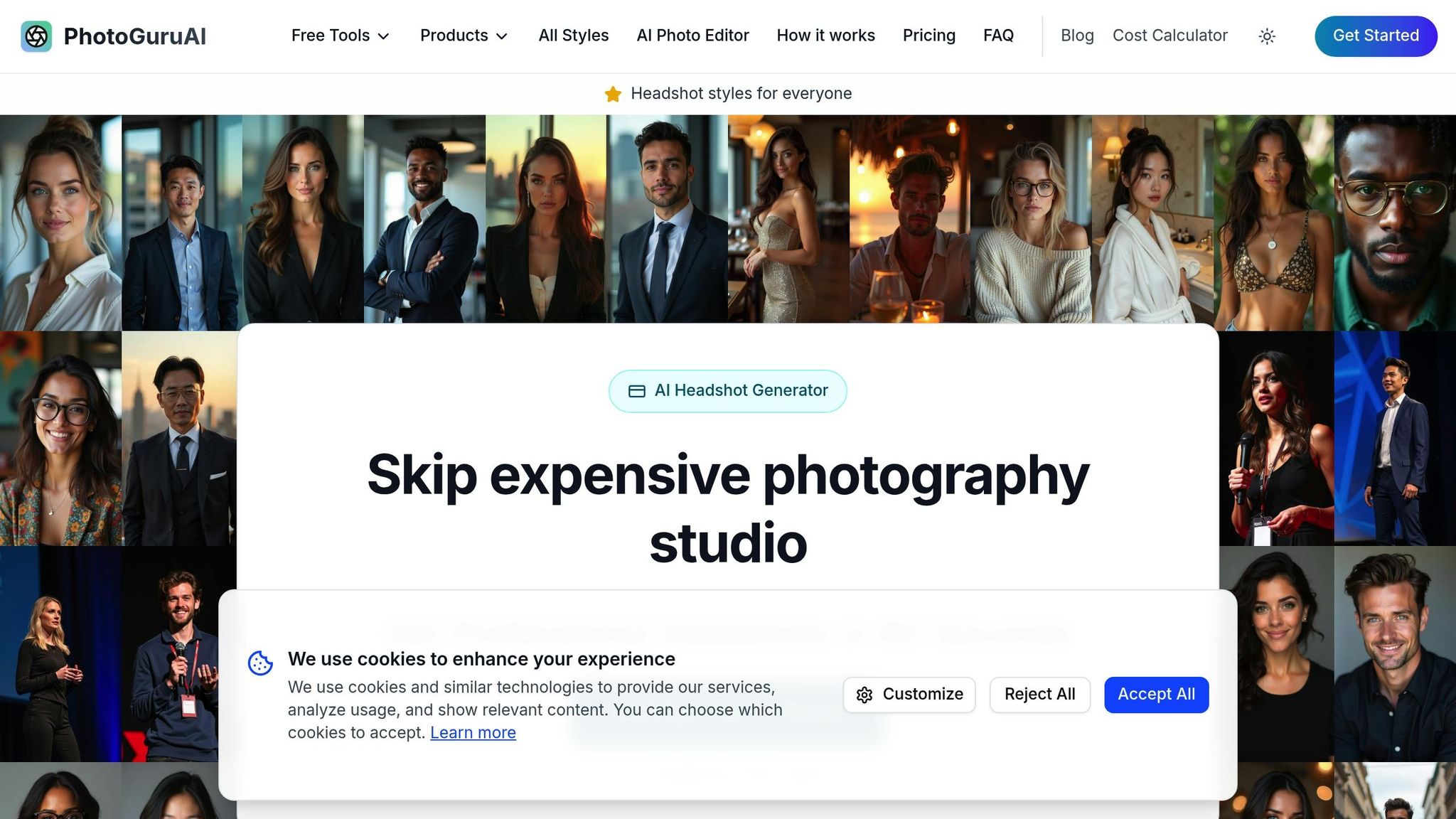
PhotoGuru AI is an AI-powered platform designed to create professional business headshots from everyday selfies. With over 30 styles to choose from, it ensures your headshots align with industry standards and personal branding needs, delivering studio-quality results.
Photo Quality and Realism
The platform produces high-definition images, ranging from HD to 4K, by applying advanced lighting and composition techniques. It enhances facial features, refines backgrounds, and maintains a natural appearance. These polished headshots are perfect for LinkedIn profiles, corporate websites, and other professional uses.
Customization Options
PhotoGuru AI offers more than 30 professional styles, allowing users to customize their headshots to match specific industry requirements or personal preferences. All plans include commercial usage rights, so you can confidently use your headshots in business marketing and promotional materials. The platform’s fast processing ensures that customization doesn’t come at the expense of efficiency or quality.
Turnaround Time
With PhotoGuru AI, results are delivered in as little as 60 seconds, with most headshots ready within 15 to 45 minutes. This streamlined process can save up to 95% of the time typically required for a traditional photoshoot, equating to an estimated 14.3 hours saved per session.
As the team at PhotoGuru AI puts it:
"Upload your selfie, pick your style, get amazing headshots in minutes. Seriously, it's that simple."
- PhotoGuru AI
Pricing and Value
PhotoGuru AI offers three straightforward payment plans:
| Plan | Price | Headshots | Styles | Ready Time | Key Features |
|---|---|---|---|---|---|
| Starter | $35 | 20 | 3 | 45 minutes | 5 photo edits, HD downloads, commercial rights |
| Professional | $45 | 60 | 5 | 30 minutes | 10 photo edits, 5 AI video credits, 4K downloads, priority support |
| Premium | $75 | 100 | All styles | 15 minutes | 15 photo edits, 15 AI video credits, priority processing |
Group plans are also available, with prices ranging from $33 to $42 per person, making it an affordable option for teams and organizations. With a perfect 5 out of 5 rating on Trustpilot, PhotoGuru AI consistently earns high praise for its quality and ease of use.
2. Canva
Canva has grown beyond its original design focus to include AI-powered portrait generation. With its well-known drag-and-drop interface, Canva now enables users to create professional headshots tailored for business purposes. Let’s dive into how Canva measures up in terms of image quality, customization, and efficiency.
Photo Quality and Realism
Canva's AI portrait generator produces high-quality images that suit basic professional needs. The tool creates headshots with consistent lighting and neutral backgrounds, offering a polished look ideal for applications like company websites, team directories, or internal communications.
What sets Canva apart is its ability to maintain natural facial details, making the portraits feel genuine. This is especially helpful for users who want their business photos to look professional yet approachable.
Customization Options
Canva excels when it comes to customization. The platform offers a variety of professional styles, from formal corporate looks to more relaxed business casual options. Users can tweak backgrounds, clothing styles, and overall aesthetics to align with their industry or branding needs.
One of Canva's standout features is its extensive template library, which integrates AI-generated portraits seamlessly into broader branding materials. This includes business cards, LinkedIn banners, and marketing assets. The interface also supports real-time adjustments to elements like background colors, lighting, and orientation, ensuring a cohesive look across all professional materials.
Turnaround Time
Canva delivers results quickly, typically within 2 to 5 minutes. For added convenience, it supports batch processing, allowing users to generate multiple variations at once. This feature is particularly useful for teams that need consistent headshots across various formats.
Pricing and Value
Canva’s Pro plan, available for $14.99 per month when billed annually, includes unlimited AI-generated portraits along with access to its full suite of design tools, premium templates, and brand kit features.
For teams, Canva Teams is available starting at $29.99 per month for up to 5 users, making it an affordable option for small businesses. The platform’s all-in-one functionality eliminates the need for separate subscriptions to other design or AI tools, making it a practical and cost-effective choice.
3. Dreamwave
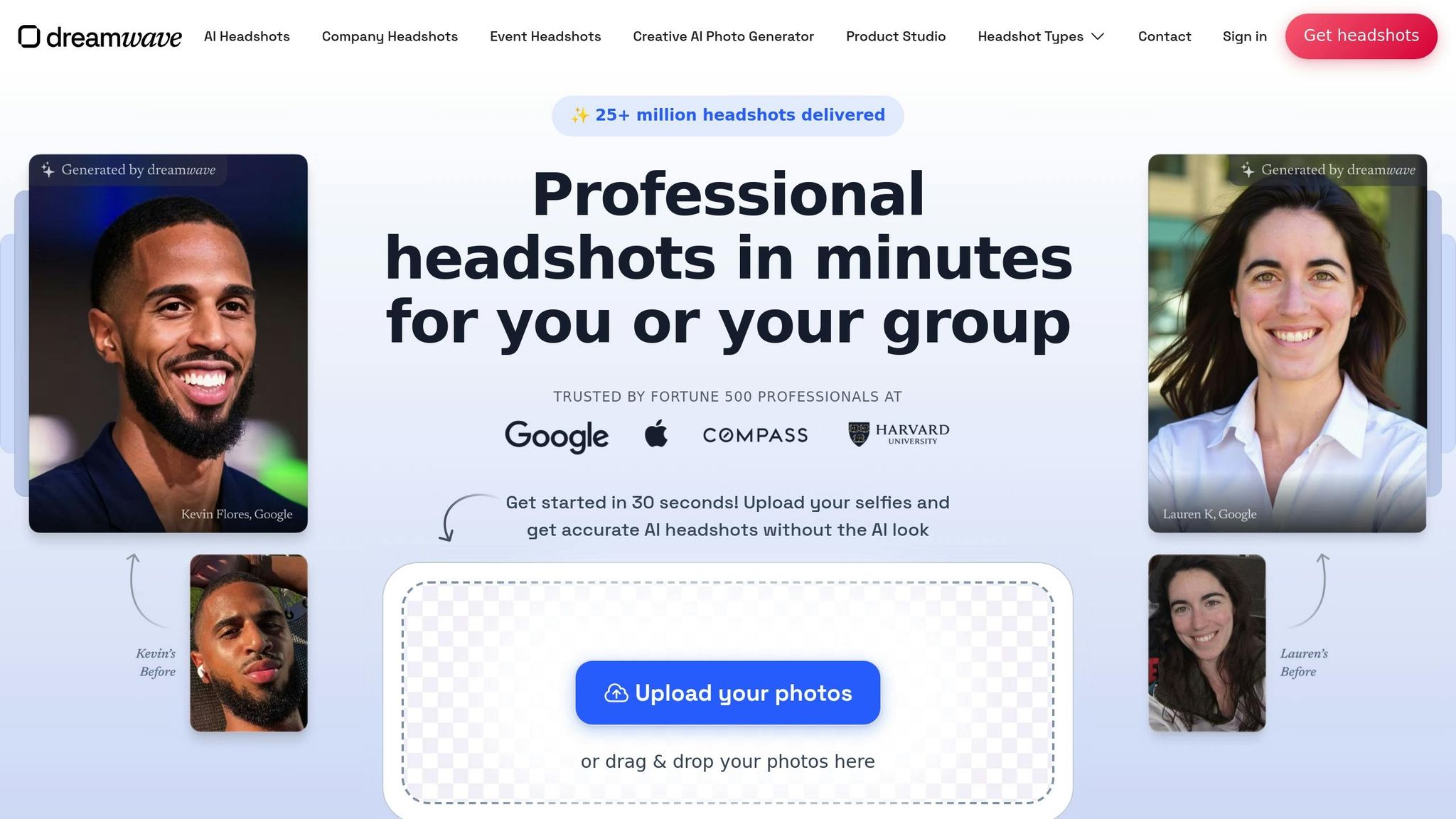
Dreamwave sets itself apart as a premium AI headshot generator, focusing on delivering polished and professional business portraits. The platform prioritizes fine details like skin tone, hair texture, and eye color, while offering a wide range of customization options tailored to meet branding needs.
Photo Quality and Realism
Dreamwave's AI technology is designed to create natural and detailed headshots, capturing subtle features like facial expressions and the intricacies of a smile. Its models are inclusive, working across all ethnicities, genders, and body types to ensure fair and unbiased representation.
Customers often highlight the platform's ability to accurately reflect their unique features. As Christelle Mombo-Zigah shared:
"I could recognize myself in all 120 AI-generated photos. I was blown away by the respect for my unique features (skin tone, hair, eye color, and teeth/smile)."
While many users and experts praise Dreamwave for its realistic results, some reviews mention minor drawbacks like reduced sharpness or subtle artifacts. With a Trustpilot rating of 2.8/5, it ranked third out of six AI headshot generators.
Customization Options
Dreamwave takes its realistic rendering a step further with extensive personalization tools. Users can customize nearly every aspect of their headshots, including scenes, hairstyles, outfits, and poses. Advanced editing features like Outfit Change, Background Change, and Magic Eraser allow for instant adjustments. Text prompts make it easy to swap outfits or upload custom backgrounds, while team headshots can be tailored using either free-form or multiple-choice clothing selections.
Amy Stinson, a satisfied customer, shared her experience:
"My AI headshots are better than photoshop because they transformed me into dozens of outfits and backgrounds that are all so perfect."
Users can also filter their photo gallery by style or background and refine small details, like teeth or blemishes, with a simple AI edit button.
Turnaround Time
Efficiency is another strong point for Dreamwave. The platform processes multiple variations simultaneously, delivering a complete gallery of professional headshots within 1 to 2 hours.
Pricing and Value
Dreamwave offers several pricing tiers to suit different needs:
- Starter: $35 for 75 photos, featuring 8 outfits and 8 backdrops
- Standard: $59 for 150 photos, including 10 outfits, 10 backdrops, and 1 free redo
- Best Value: $99 for 300 photos, with 15 outfits, 10 backdrops, 2 free redos, and unlimited human touchups
For those on a budget, the platform includes a free option, though it comes with a multi-week waiting period. Additionally, Dreamwave offers a "Create custom photos" feature, allowing users to generate images with any scene, outfit, or hairstyle using text prompts.
4. Aragon
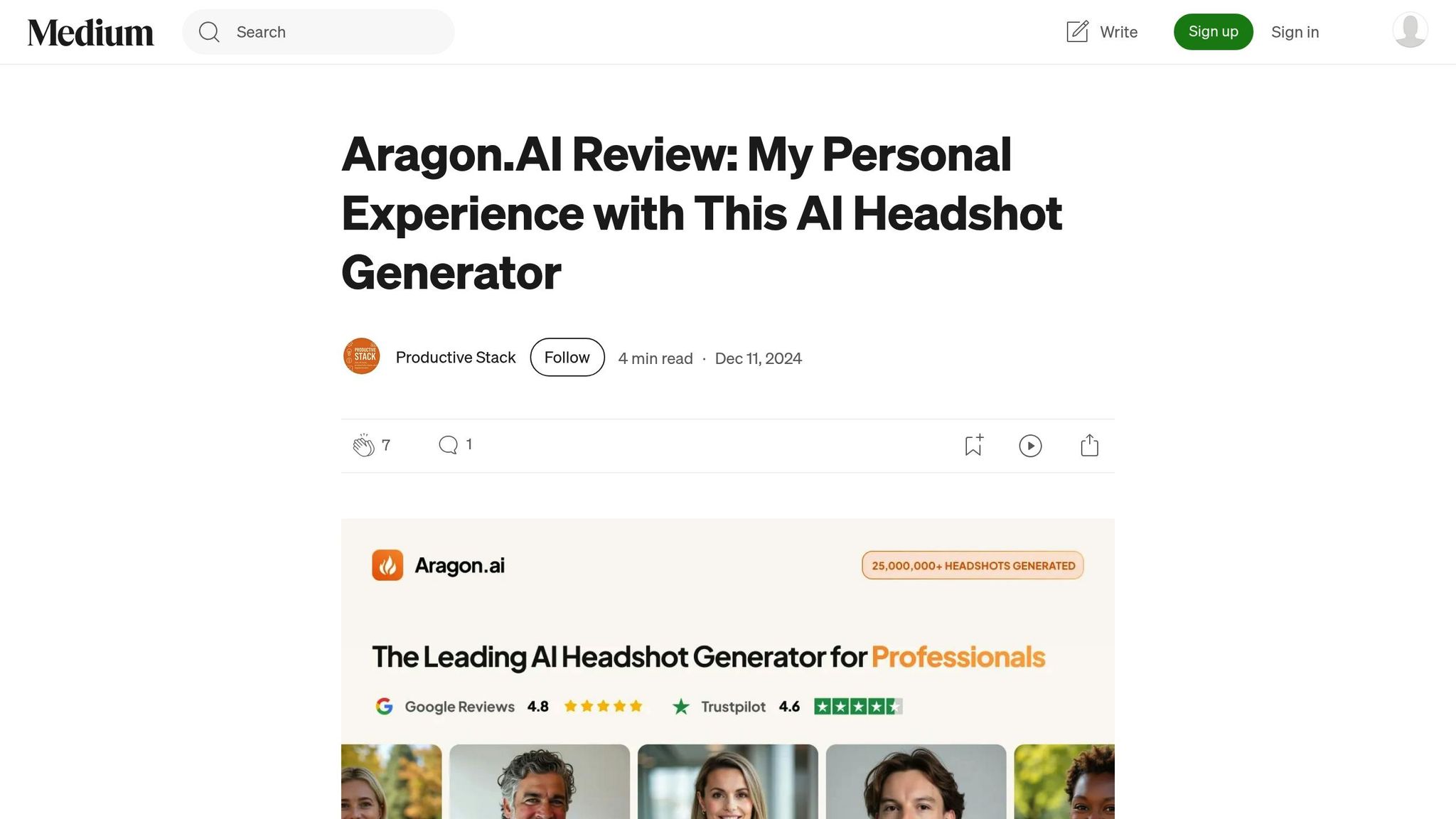
Aragon is an AI-powered tool designed specifically for creating professional headshots, perfect for corporate team portraits. One standout feature is its "Remix" option, which allows you to tweak image elements quickly, helping maintain a consistent look that aligns with your brand.
5. Fotor
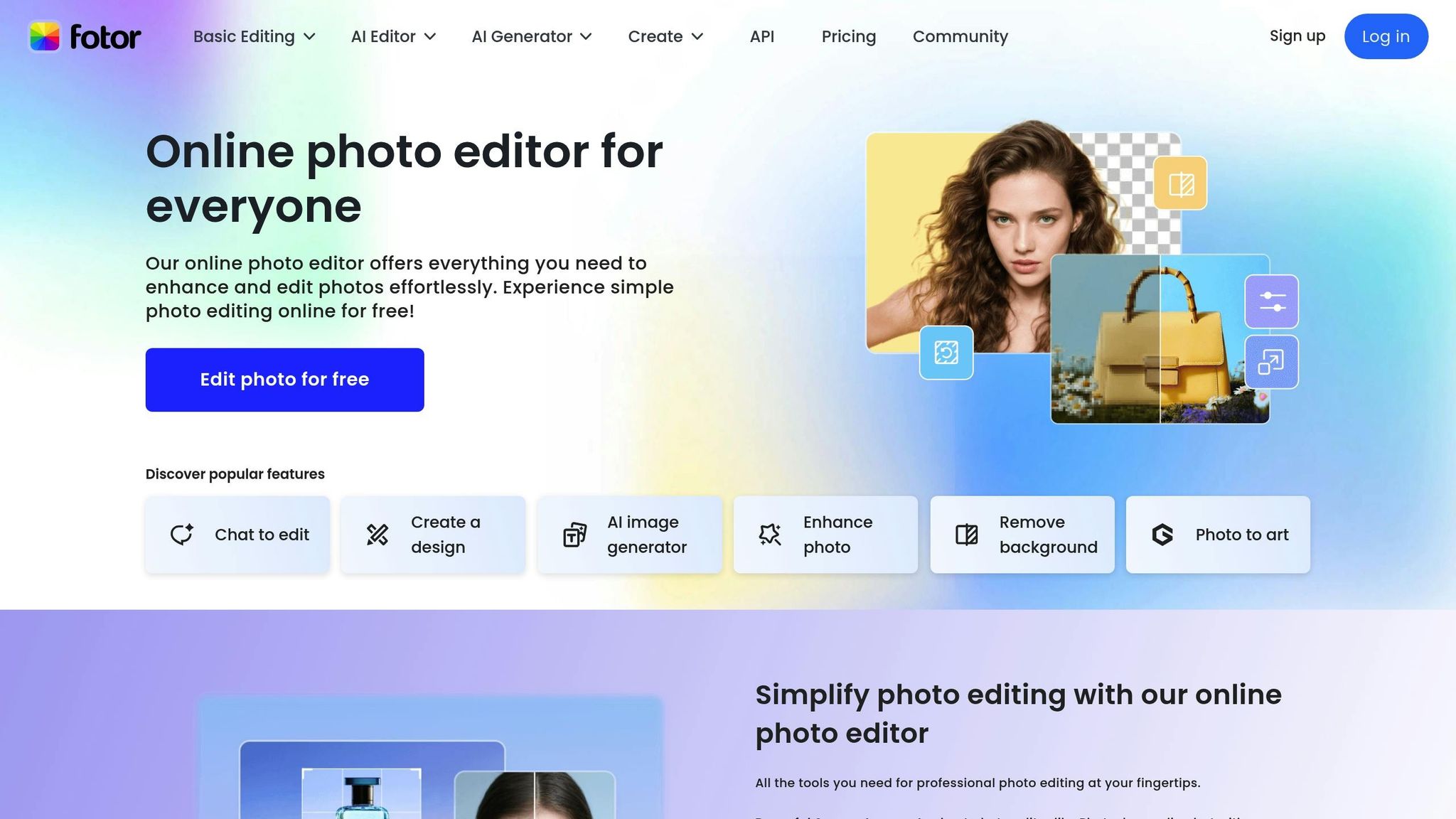
Fotor presents itself as a free AI headshot generator designed to turn your selfies into polished, professional headshots. With a focus on accessibility, it offers a budget-friendly solution for those in need of business portraits that look sharp and professional. Let’s dive into what Fotor brings to the table.
Photo Quality and Realism
Fotor claims to deliver studio-quality headshots from everyday selfies, aiming to elevate the professionalism of your photos. However, some experts note that while the results are decent, they may not match the realism offered by paid tools.
Customization Options
One of Fotor's strengths lies in its variety of AI-generated styles. You can choose from business, corporate, realtor, actor, professional, casual, creative, trending, holiday-themed, and artistic looks [16,17]. A standout feature is its text-to-image generation - simply describe your ideal headshot, and Fotor’s AI will create it for you [16,17]. Beyond styles, you can tweak backgrounds, outfits, lighting, and colors to fine-tune your portrait. If the initial result doesn’t meet your expectations, Fotor allows free regenerations. This flexibility makes it easy to create a headshot that fits your specific needs.
Turnaround Time
Speed is another area where Fotor shines. The platform is known for generating headshots "in a matter of seconds". Reviews confirm that the process is quick, making it a convenient choice for professionals on tight schedules or anyone experimenting with different styles.
Pricing and Value
Perhaps Fotor’s biggest draw is its cost - or lack thereof. The platform is completely free [16,17], making it an affordable option for freelancers, small business owners, or anyone looking to upgrade their professional image without spending a dime. With its combination of no-cost access, reasonable quality, and extensive customization, Fotor is a practical choice for those working within a tight budget.
6. ProPhotos AI
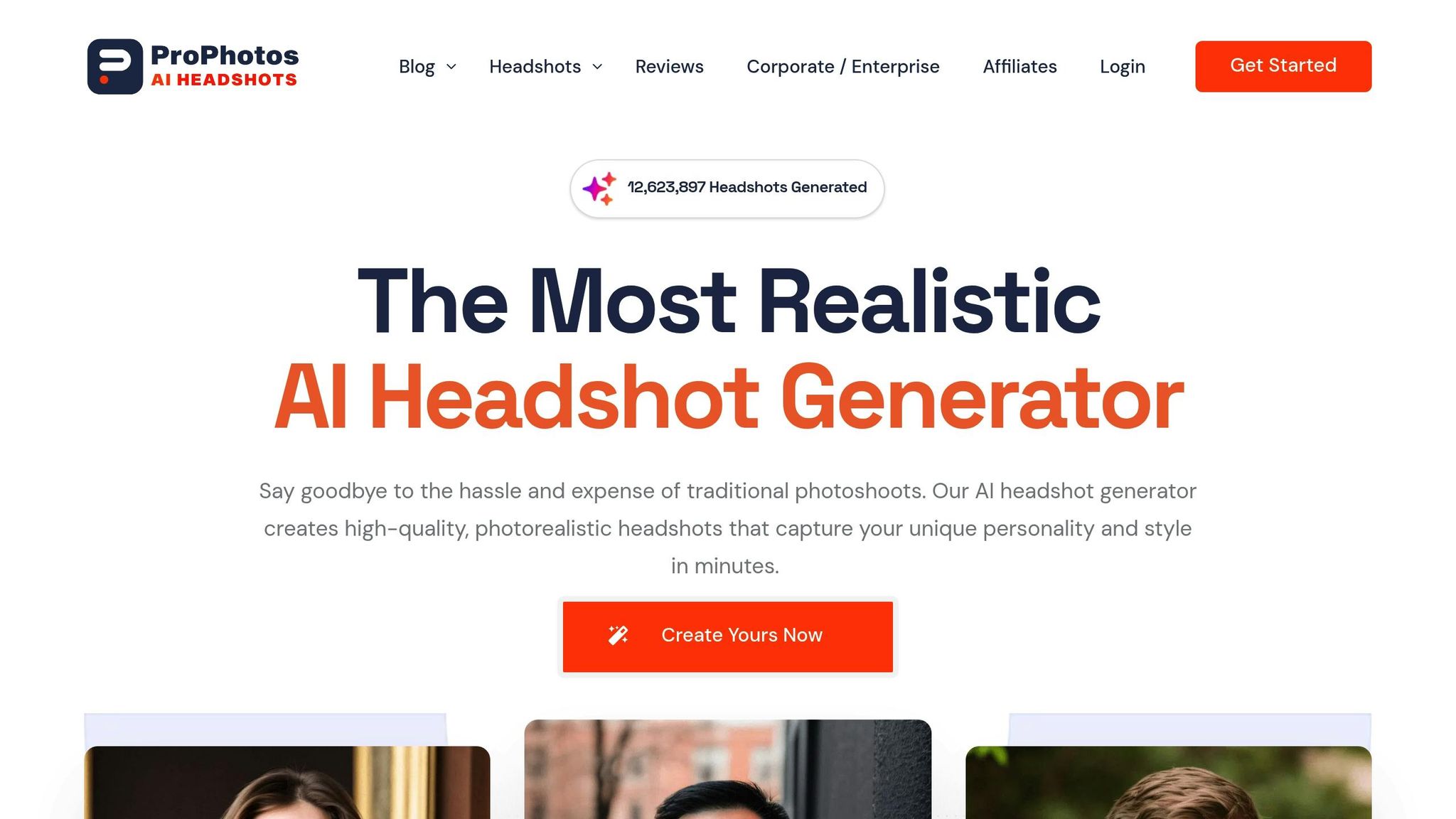
ProPhotos AI provides an accessible and budget-friendly alternative to traditional professional photography, offering a range of tiered plans for AI-generated headshots. The service is designed to deliver polished, professional-quality results tailored to fit different budgets and time constraints.
Photo Quality and Realism
ProPhotos AI creates lifelike headshots that meet professional standards, making them ideal for platforms like LinkedIn, resumes, or company websites. Each image comes with a full commercial license, allowing users to freely use their photos across various professional channels without worrying about usage limitations.
Customization Options
While ProPhotos AI doesn't allow for edits after the headshots are generated, it offers flexibility through different outfit and background combinations based on the selected plan. For instance, the Basic plan includes 8 options, while the Professional plan offers up to 40. This variety ensures users can find styles that suit their needs without additional fine-tuning.
Turnaround Time
The platform's turnaround time is determined by the plan chosen:
- Basic plan: 90 minutes
- Premium plan: 45 minutes
- Professional plan: 30 minutes
This makes it a practical solution for professionals needing quick updates to their profiles or portfolios.
Pricing and Value
ProPhotos AI offers four pricing tiers to accommodate various budgets and requirements:
- Basic plan: $39 for 40 headshots with 8 outfit and background combinations.
- Premium plan: $49 for 100 headshots with 20 style variations.
- Professional plan: $59 for 200 headshots with 40 style options.
- Enterprise plan: Custom pricing for companies, featuring unlimited customization and dedicated account support.
All plans are available as a one-time purchase, with no recurring subscription fees, making it simple for individuals and businesses to manage costs. While there’s no free version, the pricing structure offers a clear advantage over traditional professional photoshoots, which can cost hundreds of dollars. For professionals who need multiple headshot variations across different contexts, ProPhotos AI delivers a practical mix of quality, speed, and affordability.
sbb-itb-5a0f94b
7. PortraitPal
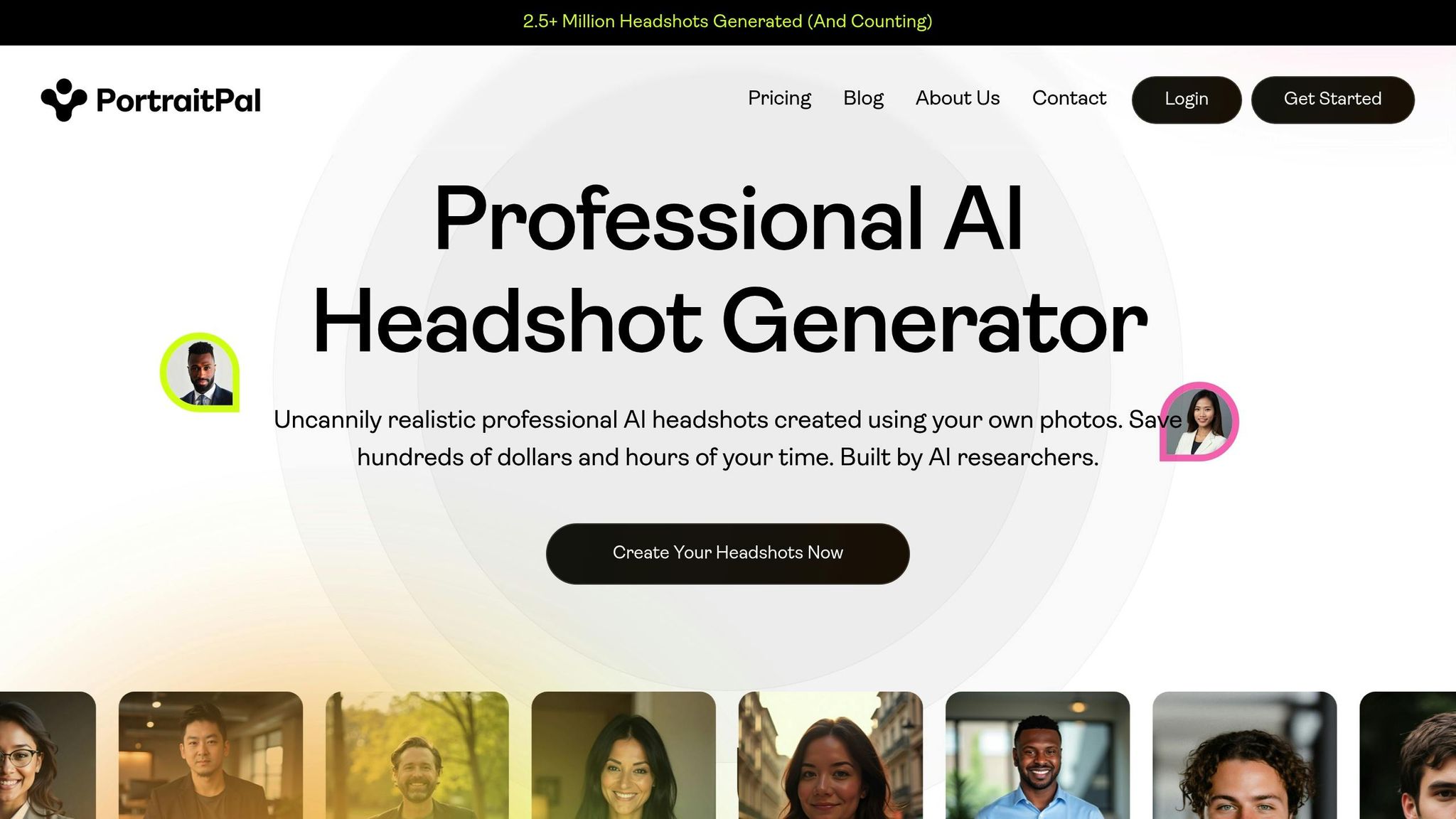
PortraitPal is a platform designed to produce realistic, professional AI-generated headshots with a straightforward process. It focuses on delivering natural-looking results without overwhelming users with excessive customization.
Photo Quality and Realism
PortraitPal creates headshots with a resolution of 800x1024 pixels, which works well for professional purposes. The platform prioritizes realism, capturing natural facial features and expressions. To achieve the best results, users are encouraged to upload a variety of photos showing different angles, lighting conditions, and expressions. While the service excels at producing authentic portraits, it doesn't allow for manual tweaking of the final output.
Customization Options
The platform keeps things simple by automating the styling process. Users upload their photos, and the AI takes care of the rest. However, this means there are no options to choose specific outfits, backgrounds, or artistic styles. While this approach removes the hassle of making too many decisions, it might not meet the needs of individuals with highly specific branding requirements.
Turnaround Time
PortraitPal delivers headshots quickly, especially with its higher-tier plans:
- Starter Plan: 3 hours
- Basic Plan: 2.5 hours
- Premium Plan: 2 hours
These quick turnaround times make it a great choice for professionals who need updated headshots without the delays associated with traditional photography.
Pricing and Value
PortraitPal's pricing is based on the number of headshots included in each plan:
- Starter Plan: $35 (normally $45) for 20 headshots
- Basic Plan: $45 (normally $75) for 60 headshots
- Premium Plan: $75 (normally $129) for 100 headshots
This tiered pricing structure makes it an affordable option for professionals who need multiple headshot variations.
8. HeadShotPro
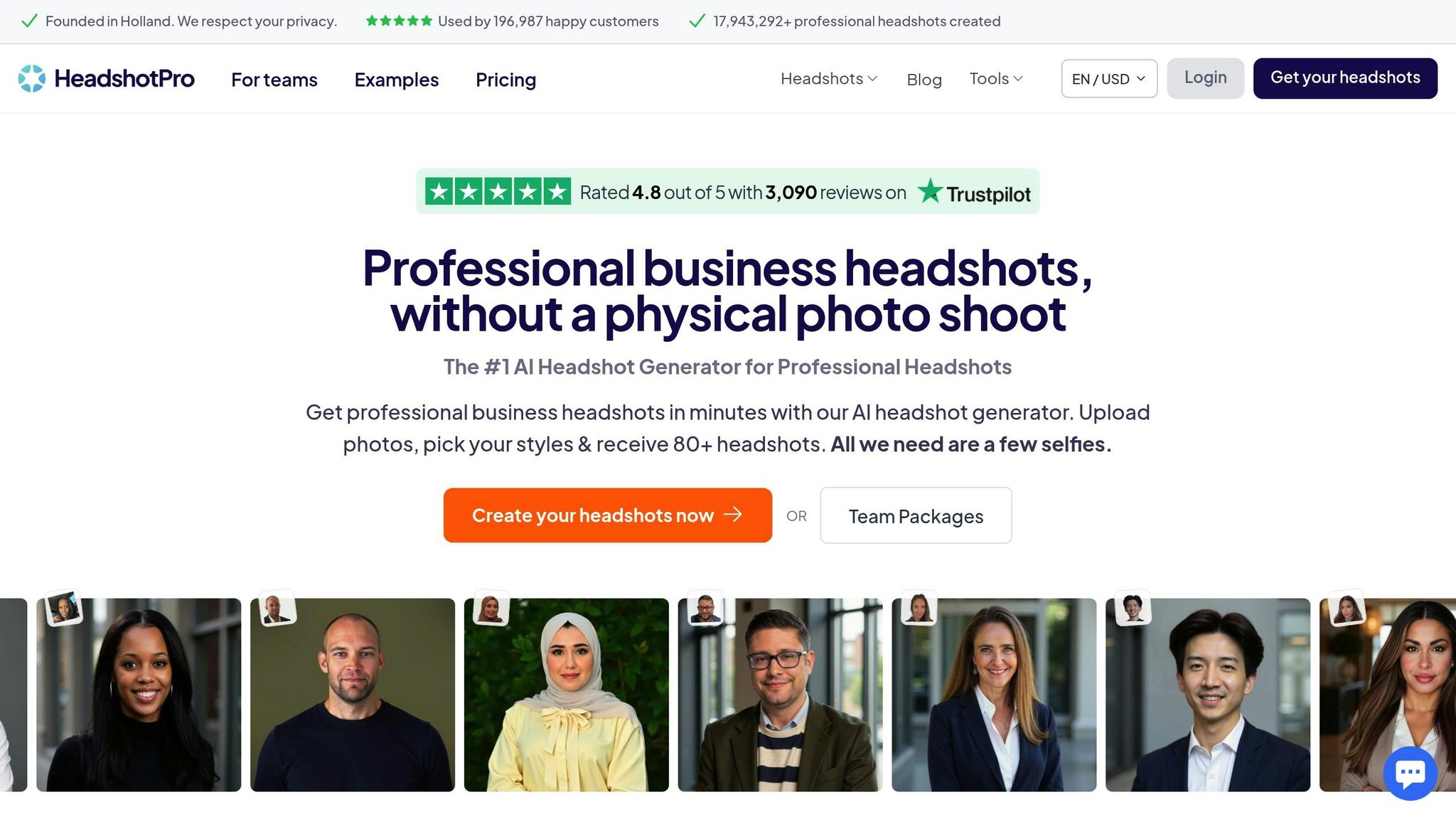
HeadShotPro takes a page from PortraitPal's playbook, offering a straightforward solution for creating professional headshots. This AI-powered tool is designed to produce polished, business-ready images tailored for professionals. While specifics like image quality, customization options, processing speed, and pricing haven't been disclosed yet, it's shaping up to be another intriguing option in the growing world of AI-driven headshot tools. More details are expected soon as we dive deeper into this space.
9. PFPmaker AI
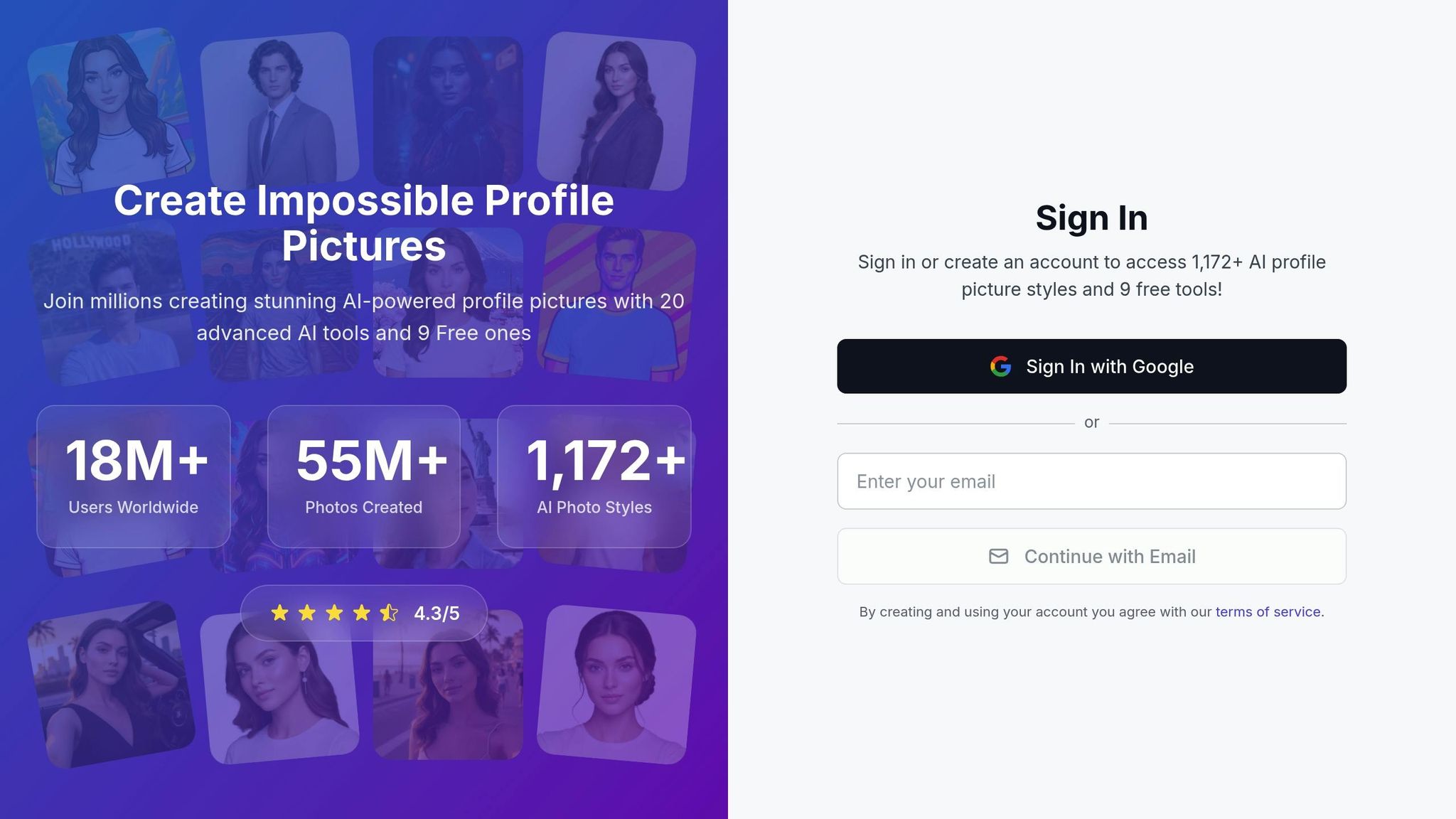
PFPmaker AI is an AI-powered tool designed to create profile pictures and headshots, with a focus on professional, business-ready portraits. It’s ideal for enhancing your digital presence and marketing materials with polished imagery. Let’s dive into its key features: quality, customization, speed, and pricing.
Photo Quality and Realism
PFPmaker AI is built to deliver professional-grade images. The AI generates portraits with natural facial features and balanced lighting that resemble studio-quality photos. The final images are clean, with simple compositions and backgrounds that fit perfectly in corporate or professional contexts.
Customization Options
When it comes to personalization, PFPmaker AI offers plenty of choices. You can pick from various background styles, including solid colors and subtle patterns, to match your professional vibe. Additionally, there are options to tweak elements like clothing and lighting, ensuring the headshot aligns with your personal or brand identity.
Turnaround Time
The process is quick and straightforward. Upload your photo, and you’ll get a polished headshot almost instantly - perfect for trying out different styles without the wait.
Pricing and Value
PFPmaker AI uses a credit-based pricing model, making it flexible for both individuals and teams. For those needing multiple headshots, bulk pricing options provide a more budget-friendly alternative to traditional photography sessions.
10. AI Portrait Studio
AI Portrait Studio wraps up our list as a go-to platform for professionals who need polished, high-quality business headshots. Designed specifically for corporate profiles and marketing materials, this tool delivers results that rival traditional studio photography - without the hassle of booking a photographer.
Photo Quality and Realism
This platform excels at producing high-resolution portraits that meet professional standards. Using advanced AI technology, it creates lifelike facial features and replicates studio-quality lighting. The final images boast sharp details and natural skin tones, making them ideal for LinkedIn profiles, company websites, or other professional uses.
Quick Turnaround
One of AI Portrait Studio's standout features is its speed. It processes each headshot in just 2–3 minutes, even when handling multiple variations. For teams or bulk orders, the platform processes several images simultaneously, ensuring consistent delivery times regardless of project size.
Pricing and Options
AI Portrait Studio follows a pay-per-image pricing model, with high-resolution portraits starting at $15. Discounts are available for orders of 10 or more, and corporate accounts can take advantage of volume pricing. Plus, the platform offers a satisfaction guarantee, including one free revision per portrait, ensuring you get the results you need to elevate your professional image.
Feature and Price Comparison
Here’s a quick breakdown of what PhotoGuru AI offers:
| Tool | Starting Price | Processing Time | Key Features | Best For |
|---|---|---|---|---|
| PhotoGuru AI | $35 | 45 minutes | AI-generated headshots in 30+ professional styles, HD downloads (4K available with upgrades), photo editing, video generation, and full commercial usage rights | Professionals seeking high-quality business portraits |
PhotoGuru AI strikes a great balance between cost, speed, and quality. For just $35, the Starter plan provides professional headshots in 45 minutes, offering over 30 styles to choose from. You’ll get HD downloads with the option to upgrade to 4K, along with tools for photo editing and video generation. If you need more advanced features or group options, higher-tier plans come with additional edits and resolution perks.
Conclusion
This guide on AI tools for business portraits underscores the importance of balancing quality and efficiency to meet the needs of modern professionals. After exploring the top options, it’s clear that your choice should reflect your priorities - whether that’s image quality, pricing, or customization features.
Start by determining your specific requirements. Do you need simple headshots for online profiles, or are high-resolution images like 4K essential for print and large displays? Also, consider how quickly you need the results - some tools provide images almost instantly, while others take more time.
Pricing is another key factor. If you’re an individual user, pay-per-use models might be the most cost-effective. Teams, on the other hand, often find subscription plans better suited to their needs. Think about your long-term usage before committing to a pricing structure.
Customization options can also make a big difference. Platforms that offer a variety of styles, backgrounds, and the ability to generate multiple variations can save you both time and money compared to traditional photo shoots.
Ease of use is crucial as well. Some tools require a deep understanding of prompts and technical details, while others keep it simple with an upload-and-generate process. A user-friendly interface can turn a potentially frustrating task into a seamless experience.
Lastly, don’t overlook the importance of practical usage rights. For business purposes, unrestricted commercial rights are often a must, ensuring you can use the images freely across marketing materials, websites, and social media. Always double-check these terms before committing to a platform.
With a range of AI photo generation tools available, there’s an option to fit every budget and requirement. Take advantage of free trials or entry-level plans to find the tool that best aligns with your needs and helps you present a professional image.
FAQs
What are the cost and time-saving benefits of using AI photo generators for business portraits compared to traditional photography?
AI photo generators are a game-changer when it comes to creating business portraits, offering huge savings in both time and money. Traditional photography often involves booking a professional, securing a studio, and waiting for edits - an entire process that can take days or even weeks. In contrast, AI tools can deliver polished, professional-quality images in mere seconds, making them perfect for busy professionals who can’t spare the time.
On the cost front, AI tools are typically much lighter on the wallet. Professional photography often comes with hefty session fees, not to mention extra charges for retouching. Many AI photo generators, however, provide their services at a fraction of the cost, making them an easy choice for both individuals and businesses looking for affordable, high-quality results. This combination of speed and affordability makes AI photo generators an efficient and practical solution for creating professional portraits.
What should I look for in an AI photo generator for professional headshots?
When choosing an AI photo generator for professional headshots, there are a few important things to keep in mind to ensure you get top-notch results. First and foremost, image quality matters - opt for a tool that creates high-resolution, polished images that look great on platforms like LinkedIn or in professional portfolios.
You'll also want to think about ease of use. Some tools make the process simple, requiring only minimal input while still delivering excellent results. If personalization is important to you, look for customization options that let you tweak details like clothing, poses, or styles to align with your personal brand.
Finally, don't overlook data privacy policies. Make sure the tool securely handles your photos and deletes them after processing to protect your information. By weighing these factors, you can pick a generator that fits your professional needs perfectly.
What should I consider before using AI-generated business portraits for professional or commercial use?
When using AI-generated business portraits for professional or commercial purposes, there are a few key points to consider.
First, copyright concerns should not be overlooked. Some AI tools create images by drawing from online content, which might unintentionally infringe on intellectual property rights. To avoid these issues, opt for tools that offer clear licensing agreements or legal protections.
Second, think about the ethical implications. AI models are trained on large datasets, and these can sometimes include biases that lead to images reinforcing stereotypes. On top of that, AI-generated content might not always qualify for copyright protection, especially if there’s little to no human involvement in the creation process. Carefully review the tool’s terms of use and, if needed, seek legal advice to steer clear of potential complications.